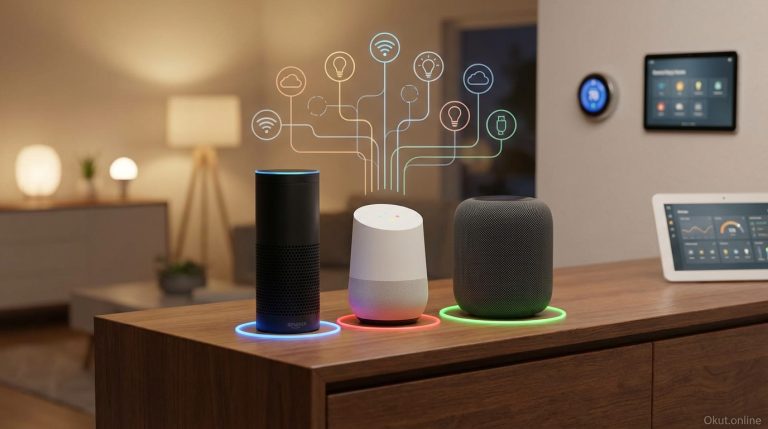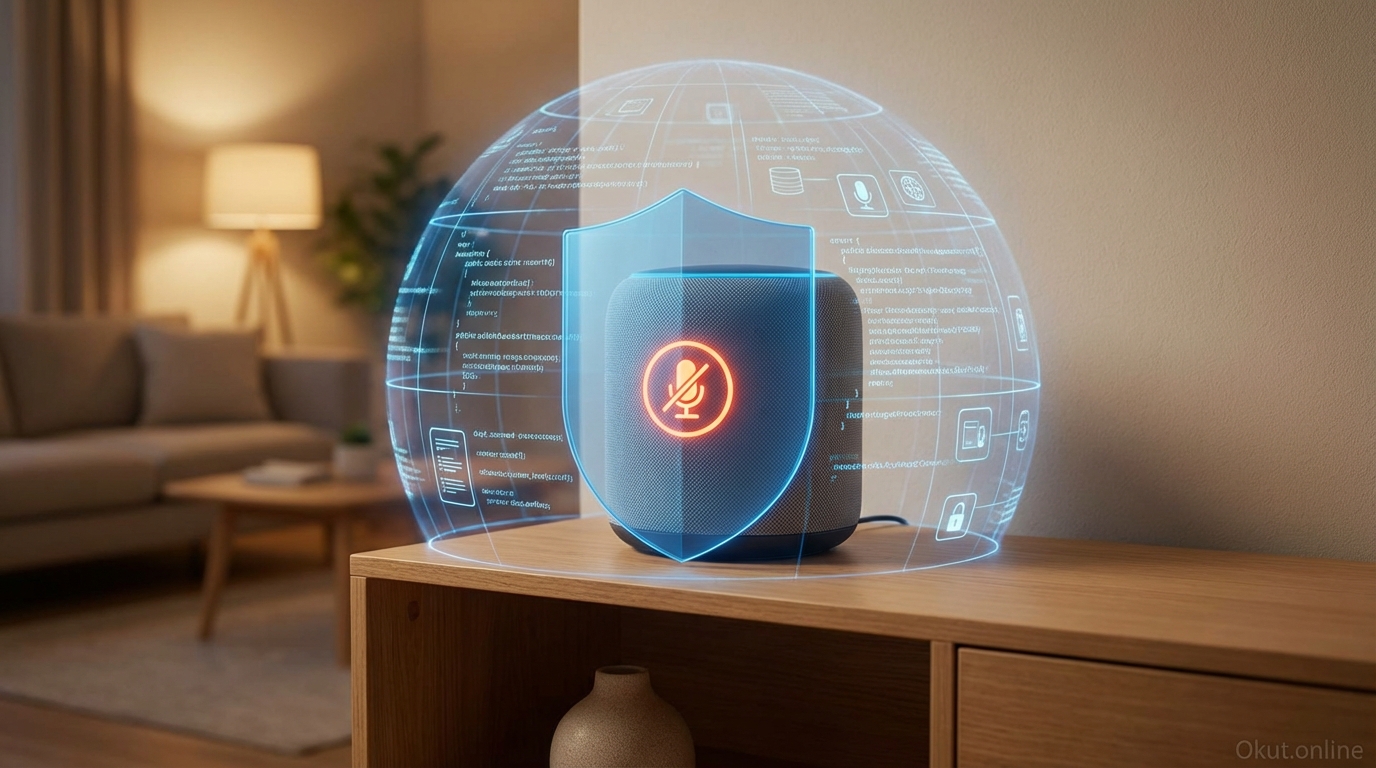
Voice assistants necessarily listen for wake words, raising legitimate privacy concerns about always-on microphones in your home. In 2026, understanding what voice assistants actually record, how that data is handled, and what controls exist helps you make informed decisions about voice technology in your home. This comprehensive guide examines privacy and security across Amazon Alexa, Google Assistant, and Apple Siri, covering data collection practices, available privacy controls, security considerations, and practical steps to protect your privacy while enjoying voice assistant convenience.
I. What Voice Assistants Actually Hear
Understanding the technical reality of voice assistant listening dispels both excessive paranoia and naive trust.
A. Wake Word Detection
Voice assistants continuously process audio locally to detect wake words (“Alexa,” “Hey Google,” “Hey Siri”) but don’t transmit or store ambient sound.
Wake word detection runs on local processing chips in the device itself. These chips handle limited wake word matching without full speech recognition or cloud transmission.
Only after wake word detection does the device begin recording and transmitting audio to cloud servers for processing. The “always listening” description is technically accurate but misleading—devices listen for specific triggers, not general conversation.
False activations do occur. Words sounding similar to wake words can trigger recording. “Alexa” might be heard when someone says “I’ll fix a” or discusses the related brand. These unintended activations represent privacy exposure worth understanding.
B. What Gets Recorded and Transmitted
After wake word detection, audio is recorded and sent to cloud servers for processing.
Recording duration varies—typically several seconds after the wake word, through your command, until clear command completion or timeout. Background conversation during this window is captured.
Transmitted audio is converted to text, matched against possible commands, and executed. The full audio and transcription are typically retained by default.
Metadata accompanies recordings—timestamp, device ID, account association, and often location data. This context enables personalization but creates detailed records of voice interactions.
C. Human Review Practices
Historically, all major voice assistant companies employed human reviewers who listened to recorded interactions.
Human review served quality improvement—reviewers verified whether transcription was accurate and commands were correctly interpreted. This practice exposed personal conversations to company employees.
Following privacy concerns and regulatory pressure, all major platforms now offer opt-out from human review, and some have reduced or eliminated routine human review practices.
II. Platform-Specific Privacy Practices
Each major voice assistant platform handles privacy differently, reflecting different business models and corporate philosophies.
A. Amazon Alexa Privacy
Amazon’s advertising business and commerce focus influences Alexa’s data practices.
Voice recordings are stored by default and used to improve Alexa’s speech recognition and response accuracy. Recordings are associated with your Amazon account.
Usage data informs Amazon’s advertising and recommendation systems. What you ask about influences what Amazon suggests you buy.
Third-party Skills can access conversation data when you interact with them. Skill developers may have their own data practices for information you share through their Skills.
Privacy controls are available but require proactive configuration. Default settings favor data collection.
B. Google Assistant Privacy
Google’s search and advertising business model shapes Assistant’s data approach.
Voice recordings are stored as part of “Web & App Activity” by default, contributing to Google’s personalization across services.
Integration with Google accounts means voice data combines with search history, location history, and other Google service data to build comprehensive user profiles.
Google’s advertising dominance means this data ultimately influences advertising targeting across Google’s networks.
Privacy controls exist through Google’s Activity Controls, offering some of the most transparent data management tools among major platforms.
C. Apple Siri Privacy
Apple’s hardware-focused business model enables a genuinely different privacy approach.
On-device processing handles many Siri requests without cloud transmission. Neural Engine chips in Apple devices enable local speech recognition for common commands.
Randomized identifiers rather than account association anonymize Siri data that is transmitted, making it more difficult to associate recordings with specific users.
Opt-in for audio data contribution—Apple doesn’t use Siri audio for analysis unless you explicitly opt in.
Apple’s privacy focus is genuine, supported by a business model that doesn’t depend on advertising or data monetization.
III. Privacy Controls by Platform
All platforms offer privacy controls; using them determines your actual privacy posture.
A. Alexa Privacy Settings
Access Alexa privacy controls through: Alexa app → More → Settings → Alexa Privacy.
Review Voice History: View and delete individual recordings or delete all recordings. You can filter by date range and device.
Manage Your Alexa Data: Choose how long Amazon saves voice recordings—options include “Save recordings until I delete them,” “Save for 18 months,” “Save for 3 months,” or “Don’t save recordings.”
Manage Skill Permissions: Review which Skills have access to what data; revoke permissions for Skills you don’t use.
Don’t Use Voice Recordings: Opt out of having your voice recordings reviewed or used to improve Alexa.
Drop In and Calling Permissions: Control who can Drop In on your devices and call you through Alexa.
B. Google Assistant Privacy Settings
Access Google privacy controls through: Google app → Settings → Google Assistant → Your data in the Assistant, or directly at myactivity.google.com.
Web & App Activity: Toggle whether voice interactions are saved. Also control whether audio recordings are included (separate from text transcripts).
Activity Controls: Set auto-delete for activity data—3 months, 18 months, or manual deletion only.
Voice and Audio Activity: Specifically control audio recording separate from text transcription.
My Activity dashboard: Review specific interactions and delete individual items or ranges.
Data download: Export all your Google data to see exactly what’s stored.
C. Siri Privacy Settings
Access Siri privacy controls through: Settings → Siri & Search on iOS devices.
Improve Siri & Dictation: Toggle whether audio recordings are shared (opt-in rather than opt-out).
Siri & Dictation History: Delete Siri history associated with your device (Settings → Siri & Search → Siri & Dictation History → Delete Siri & Dictation History).
Type to Siri: Option to interact with Siri via typing rather than voice if you prefer no audio at all.
On-device processing: No separate toggle needed—Apple maximizes on-device processing automatically.
IV. Security Considerations
Beyond privacy, security concerns involve protecting voice-accessible systems from unauthorized use.
A. Unauthorized Voice Commands
Voice assistants may respond to anyone’s voice, not just authorized household members.
Visitors, neighbors through windows, or even TV audio could potentially trigger voice commands if devices are poorly positioned.
Smart locks, garage doors, and security systems accessible via voice create physical security exposure. Consider whether voice control of security devices is appropriate for your situation.
Voice recognition/Voice Match (Google) and Voice Profiles (Alexa) help limit sensitive commands to recognized voices, though these aren’t foolproof security measures.
B. Account Security
Voice assistants are only as secure as the accounts controlling them.
Strong passwords and two-factor authentication on Amazon, Google, and Apple accounts protect against account compromise that would expose voice history and smart home control.
Shared accounts grant all account members access to voice history and device controls. Consider whether household members should have separate accounts.
Regular password changes and security reviews apply to voice assistant accounts just as they do to other important accounts.
C. Network Security
Voice assistant devices connect to home networks and are potential security vectors.
Manufacturer firmware updates address discovered vulnerabilities—keep devices updated automatically when possible.
Router security (strong passwords, WPA3, regular firmware updates) protects all network devices including voice assistants.
Network segmentation for IoT devices limits exposure if a smart device is compromised.
V. Practical Privacy Protection Steps
Balancing convenience and privacy requires proactive choices rather than accepting defaults.
A. Immediate Actions
Take these steps now to improve voice assistant privacy:
- Review current voice history on each platform and delete old recordings you’re not comfortable retaining.
- Configure auto-delete for future recordings—3 months provides reasonable utility while limiting long-term retention.
- Opt out of human review/audio contribution on all platforms.
- Review third-party app/Skill permissions and revoke unnecessary access.
- Enable voice recognition/profiles to limit sensitive command access.
B. Physical Controls
Physical device controls provide additional privacy options:
Mute buttons physically disconnect microphones. When muted, devices cannot wake or record. Use mute for sensitive conversations.
Strategic placement away from private spaces (bedrooms, home offices with sensitive work) limits exposure of private conversations.
Power off or disconnect devices during extended absences or particularly sensitive periods.
C. Behavioral Adjustments
Modify behavior to reduce privacy exposure:
Avoid discussing sensitive topics (finances, medical information, passwords) near voice assistant devices.
Be aware of false activation indicators (lights, sounds) and consciously avoid sensitive discussion when devices might be recording.
Periodically review voice history to understand what’s being captured and adjust behavior accordingly.
VI. Children and Privacy
Voice assistant privacy takes on additional dimensions with children in the home.
A. Child Voice Data
Children’s voice data may receive special protection under COPPA (Children’s Online Privacy Protection Act) in the US and similar laws elsewhere.
Amazon Kids and Google Family Link provide child-specific account settings with additional protections.
Apple’s parental controls include Screen Time settings affecting Siri usage.
B. Age-Appropriate Considerations
Consider whether voice assistant access is appropriate for children in your household.
Content filters and kid-friendly settings exist on all platforms but aren’t perfect.
Voice purchasing and communication features may need disabling for households with children.
VII. Common Privacy Mistakes to Avoid
- Assuming Default Settings Are Private: Default settings favor data collection. Actively configure privacy settings rather than trusting defaults.
- Forgetting About False Activations: Devices occasionally record unintentionally. Review voice history periodically to identify and delete unintended recordings.
- Ignoring Third-Party Apps/Skills: Skills and Actions have their own privacy practices. Review permissions and be cautious about data shared through third-party voice apps.
- Voice-Controlling Critical Security: Think carefully before voice-controlling door locks, alarm systems, and similar security-critical devices. Convenience may not justify the risk.
- Same Password Everywhere: Unique, strong passwords for voice assistant accounts protect against credential-stuffing attacks that could expose voice history.
VIII. Practical Privacy Tips
- Schedule Regular Privacy Reviews: Quarterly privacy setting review ensures configurations remain aligned with preferences as platforms update.
- Use Mute Buttons: Physical mute prevents recording entirely. Use mute during sensitive conversations or when privacy matters more than convenience.
- Position Thoughtfully: Device placement determines what gets picked up during false activations. Keep devices away from private spaces.
- Consider Apple for Privacy: If privacy is your primary concern, Apple’s approach offers genuine advantages. Consider HomePod for privacy-conscious voice assistant access.
- Stay Informed: Privacy policies and practices change. Follow technology news for updates affecting voice assistant privacy.
IX. Conclusion
Voice assistants present real privacy considerations but also real convenience benefits. Understanding what these devices actually record, how data is handled, and what controls exist enables informed choices. All platforms offer meaningful privacy controls—Amazon and Google require more active configuration, while Apple offers stronger privacy defaults. Physical controls like mute buttons provide additional protection. The goal isn’t necessarily zero data collection but rather conscious choices about what you’re comfortable sharing in exchange for voice assistant convenience. For most users, configuring auto-delete, opting out of human review, and positioning devices thoughtfully provides reasonable privacy while preserving functionality.
What privacy concerns do you have about voice assistants, and have you configured your privacy settings? Share your privacy approach in the comments!
About the Author