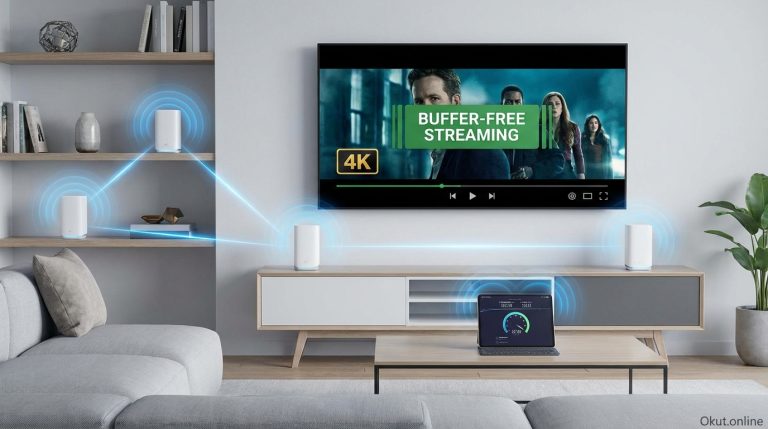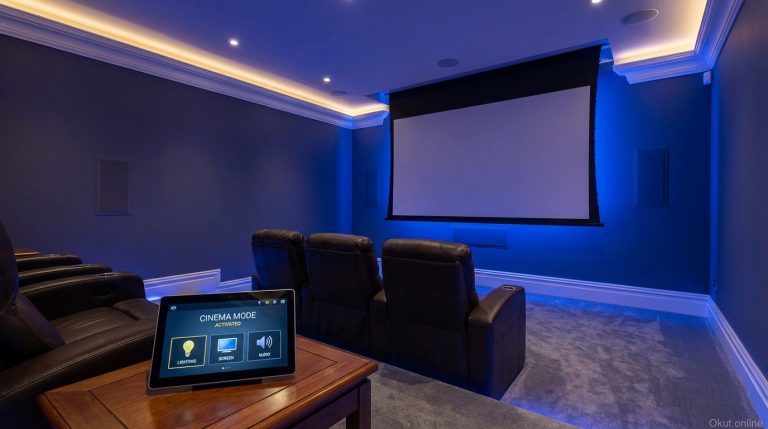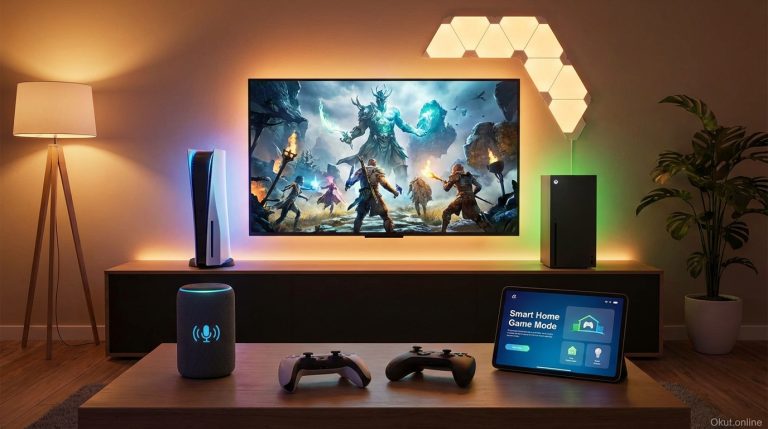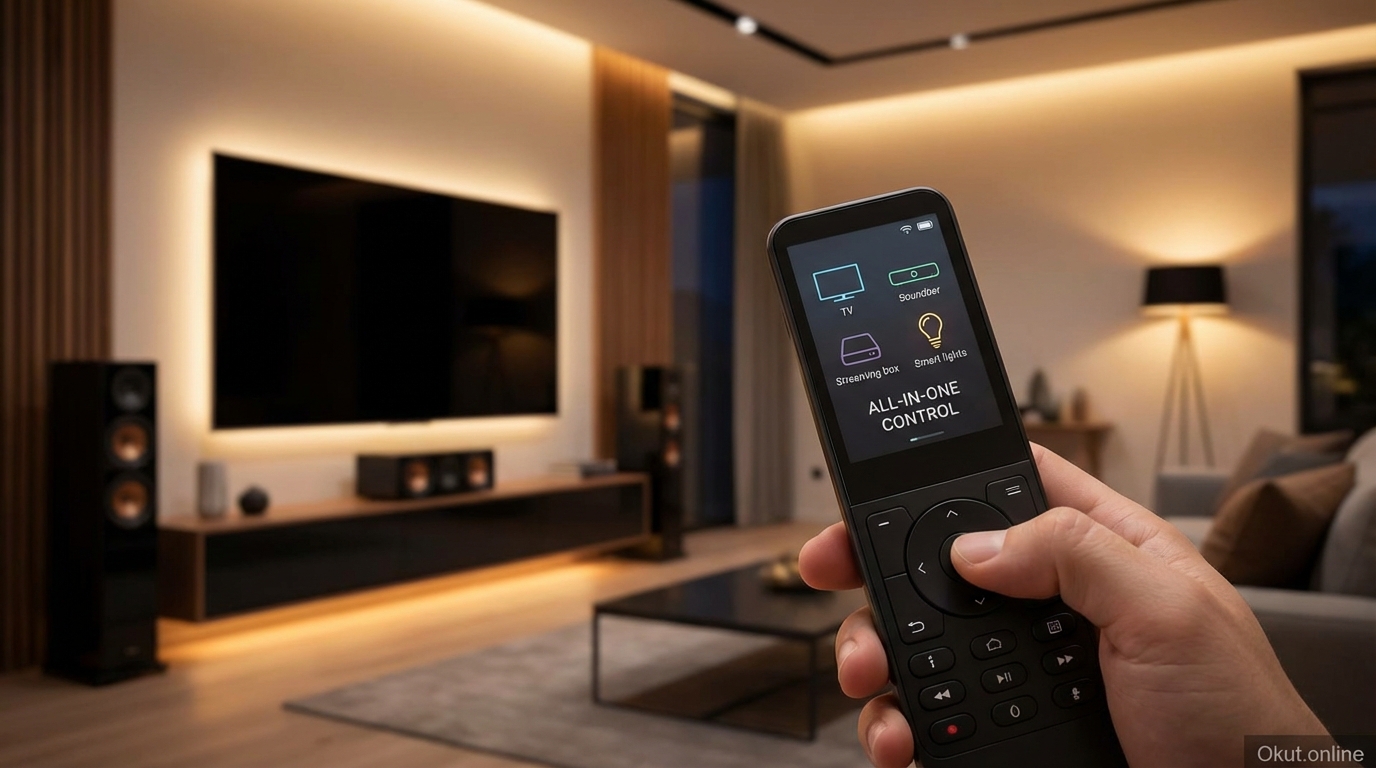
Universal smart remotes consolidate multiple device controls into single remotes with smart home integration, replacing the coffee table clutter of separate TV, soundbar, streaming device, and entertainment remotes. In 2026, following Logitech’s Harmony discontinuation, alternatives from SofaBaton, Broadlink, and smart home platforms have filled the gap. This guide compares current universal remote options, explains smart home integration capabilities, and helps you simplify entertainment control while adding voice assistant and automation features.
I. Universal Remote Categories
A. Traditional Universal Remotes
Basic universal remotes learn IR commands from existing remotes for consolidated control.
Function: Replace multiple remotes with one; buttons mapped to different devices.
Smart features: None—purely infrared control.
Best for: Simple consolidation without smart home needs.
B. Smart Universal Remotes
Smart remotes add hub connectivity, app control, and voice assistant integration.
Function: IR control plus WiFi/Bluetooth for smart devices and app-based configuration.
Smart features: Voice control, activity-based automation, smart home device control.
Best for: Integrated entertainment and smart home control.
C. Hub-Based Systems
Smart home hubs with IR blasters control entertainment as part of broader automation.
Function: Smart home hub with IR/RF capability for entertainment devices.
Smart features: Full smart home automation with entertainment as one component.
Best for: Advanced users wanting entertainment within broader home automation.
II. Top Universal Smart Remotes (2026)
A. SofaBaton X1 – $199
Leading Harmony alternative with hub and remote combination.
Hub: IR blaster hub controls devices; Bluetooth connects to remote.
Remote: Physical remote with screen for activity selection and device control.
Device support: 500,000+ device database; learns commands for obscure devices.
Smart home: Alexa compatible; controls smart devices through activities.
Activities: “Watch TV” powers on TV, soundbar, streaming device and sets inputs.
Best for: Harmony replacement with physical remote preference.
B. SofaBaton U1 – $49
Budget universal remote without hub requirements.
Function: Point-and-shoot IR/Bluetooth remote.
Device support: Large device database; learning function for missing codes.
Smart features: Limited—primarily traditional remote functionality.
Best for: Budget consolidation without smart home needs.
C. Broadlink RM4 Pro – $50
IR/RF hub controllable via app and voice assistants.
Function: Hub-only (no physical remote); control via phone app or voice.
IR and RF: Controls both IR devices and RF devices (some fans, shades, etc.).
Smart home: Alexa, Google, IFTTT integration for voice and automation control.
Learning: Records commands from existing remotes for any device.
Best for: Voice-centric control without needing physical remote.
D. Amazon Fire TV Cube – $140
Streaming device with built-in IR blaster and Alexa control.
Function: Streaming device combines with IR blaster for entertainment control.
Voice: Far-field Alexa responds without remote; controls TV, soundbar via IR.
Smart home: Full Alexa smart home control built-in.
Limitation: IR blaster less flexible than dedicated universal remotes.
Best for: Fire TV users wanting voice-controlled entertainment without extra hardware.
E. Logitech Harmony (Legacy)
Discontinued but still functional for existing owners.
Status: No longer sold; software support continuing but future uncertain.
Recommendation: Don’t buy used; transition to alternatives.
III. Activity-Based Control
The key advantage of smart universal remotes is activity-based control.
A. What Activities Enable
Instead of turning on each device individually, one button executes complete sequence.
“Watch TV” activity:
- Power on TV
- Power on soundbar
- Power on streaming device
- Set TV to correct HDMI input
- Set soundbar to correct input
- Configure button mappings for current activity
Single button press replaces 5+ remote actions and eliminates input confusion.
B. Creating Effective Activities
Watch TV: TV, soundbar, streaming device all powered and configured.
Gaming: TV, soundbar, game console; inputs set for console.
Music: Just soundbar/speakers powered; TV potentially off.
Movie Night: All A/V equipment plus smart lighting scene for dim ambiance.
IV. Voice Control Integration
A. Alexa Control
Compatible remotes/hubs appear as Alexa devices for voice control.
Commands: “Alexa, turn on TV” or “Alexa, start Watch TV activity.”
Routine integration: Include entertainment in Alexa routines (“Movie night” dims lights and starts Watch TV).
B. Google Assistant Control
Google Home integration available on compatible devices.
Commands: “Hey Google, turn on the TV” through linked hub.
Routine integration: Google routines can trigger entertainment activities.
C. Limitations
Voice control works best for on/off and activity triggered; navigation within apps remains remote-based.
“Play Netflix” voice command depends on streaming device capability, not universal remote.
V. Smart Home Integration
A. Entertainment + Lighting
Coordinate entertainment activities with lighting scenes.
Movie mode: Dims lights while activating A/V equipment.
End of evening: Turns off entertainment and restores normal lighting.
B. Entertainment + Thermostat
Adjust climate when entertainment begins.
Gaming mode: Slight cooling anticipating heat from electronics and activity.
Movie mode: Comfortable temperature for seated viewing.
C. Entertainment + Security
Some integrations pause entertainment for security events.
Doorbell ring: Pause playback and display doorbell camera.
Security alert: Mute audio for important notifications.
VI. Setup Best Practices
A. Device Database First
Search manufacturer database before using learning mode.
Database codes are more reliable than learned codes.
Use learning only for missing commands or obscure devices.
B. Test Each Activity
Run each activity multiple times to verify reliable operation.
IR timing issues may require adjustment for consistent device response.
C. Position Hub Carefully
IR hub must have line-of-sight to all controlled devices.
IR extenders available for devices in cabinets or challenging locations.
VII. Common Mistakes to Avoid
- Overcomplicating Activities: Start with simple activities before adding smart home integration.
- Ignoring IR Placement: Hub placement affects reliability; ensure line-of-sight to devices.
- Buying Obsolete Products: Avoid used Harmony products with uncertain future support.
- Neglecting Voice Option: Voice control often eliminates remote need entirely for basic operations.
VIII. Practical Tips
- Start with Activities: Build 2-3 core activities before adding complexity.
- Add Voice Control: Configure Alexa/Google integration for hands-free basic control.
- Include “All Off”: Create activity that powers down all entertainment devices.
- Test with Guests: Ensure activities are simple enough for family and guests to use.
IX. Comparison Table
| Product | Price | Physical Remote | Voice Control | Best For |
|---|---|---|---|---|
| SofaBaton X1 | $199 | Yes | Alexa | Full replacement |
| SofaBaton U1 | $49 | Yes | Limited | Budget option |
| Broadlink RM4 | $50 | No (app) | Alexa, Google | Voice-first |
| Fire TV Cube | $140 | Basic included | Full Alexa | Fire TV users |
X. Conclusion
Universal smart remotes simplify entertainment control while adding voice and smart home integration unavailable from individual device remotes. SofaBaton X1 leads as the primary Harmony replacement with physical remote and hub combination. Broadlink RM4 Pro provides budget voice-controlled option for phone-centric users. Fire TV Cube offers built-in IR control for Amazon ecosystem households. The key is activity-based control—single-button sequences that power on, configure, and prepare your entire entertainment system for specific use cases like watching TV, gaming, or movie nights.
How many remotes clutter your entertainment area, and would a universal remote simplify your setup? Share your remote control frustrations in the comments!
About the Author