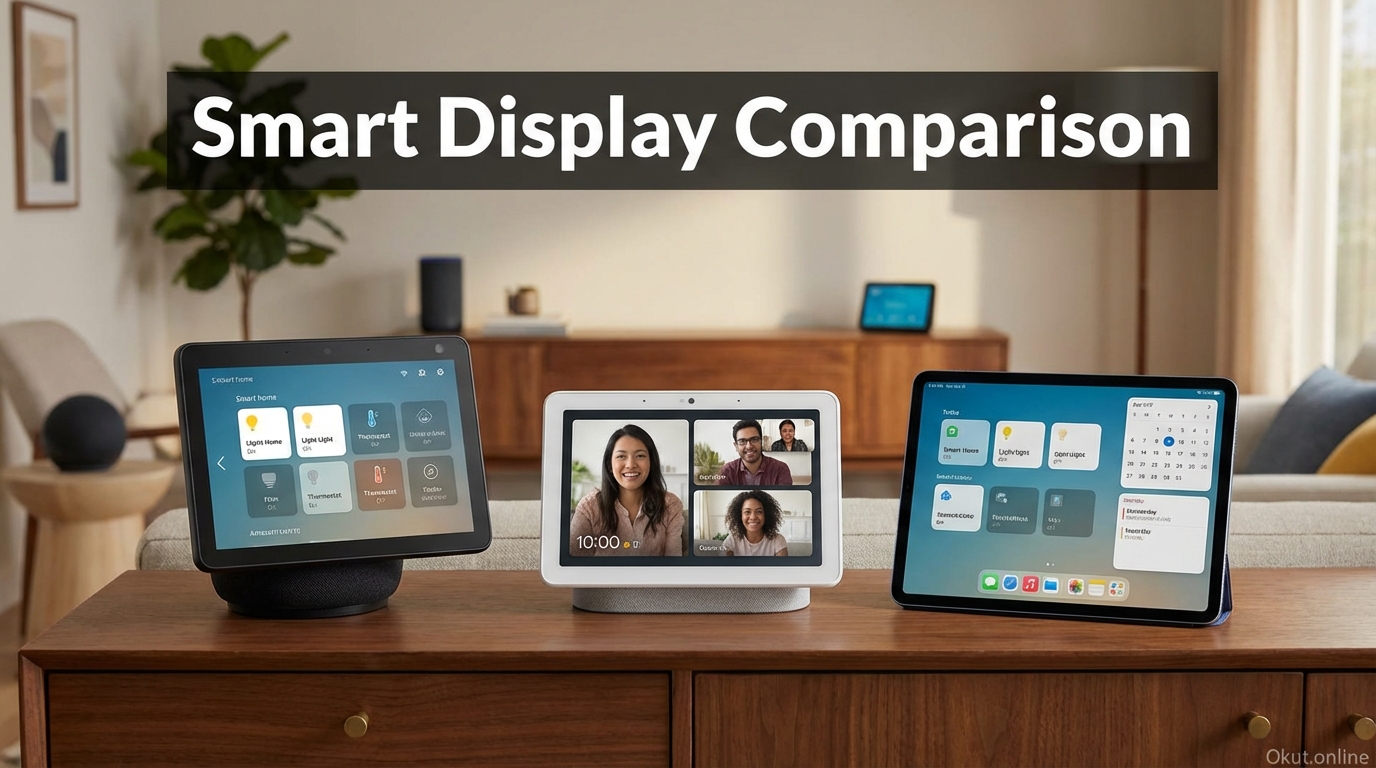
Smart displays combine voice assistant capability with visual interfaces, providing a more complete experience than audio-only smart speakers. In 2026, smart displays have matured into versatile devices serving as kitchen assistants, video calling stations, photo frames, smart home control centers, and entertainment hubs. This comprehensive guide compares major smart display options, examines use cases where displays outperform speakers, and helps you choose the right display for each room in your home.
I. Why Smart Displays Over Speakers
Smart displays excel in scenarios where visual feedback adds genuine value to voice assistant interactions.
A. Visual Recipe Guidance
Cooking represents the killer app for smart displays. Step-by-step visual instructions, ingredient lists you can see while hands are messy, and video demonstrations transform recipe following.
“Show me how to julienne carrots” provides video demonstration impossible on audio-only speakers.
Timer displays show multiple simultaneous timers visually—essential when juggling multiple dishes.
B. Video Calling
Smart displays enable video calls without holding phones or finding laptop positioning.
Kitchen or living room placement means hands-free video calling while doing other things.
Echo Show calls to other Echo Shows, Nest Hub calls through Google Duo, and HomePod connects to FaceTime create dedicated video calling stations.
C. Smart Home Dashboards
Visual smart home control shows device states at a glance and provides touch control alongside voice.
Camera feeds from security cameras, doorbell views, and baby monitors display without separate apps.
Scene activation and device control via touch works when voice isn’t convenient.
D. Ambient Information Display
Smart displays can serve as ambient information sources when not actively used.
Photo frame mode cycles through your photo library, combining smart functionality with decor.
Weather, calendar, and clock displays provide at-a-glance information throughout the day.
II. Top Smart Displays (2026)
A. Amazon Echo Show 8 (3rd Gen) – $150
The Echo Show 8 represents the best balance of screen size, sound quality, and price for most users.
8-inch HD display provides sufficient size for recipes and video calls without dominating counter space.
Improved camera (13MP) with auto-framing keeps you centered during video calls as you move around.
Better speakers than Echo Show 5, adequate for kitchen music and clear for video calls.
Zigbee hub built-in enables direct connection of Zigbee smart home devices without separate hub.
Best fit: Kitchen counters, bedroom nightstands, home office desks.
B. Amazon Echo Show 10 (3rd Gen) – $250
The rotating display follows you as you move, keeping the screen visible from anywhere in the room.
Motorized rotation tracks faces during video calls and follows voice during other interactions.
10.1-inch display provides larger viewing for recipes and videos.
Superior speakers with directional sound that rotates with the display.
Best fit: Kitchens with islands where you move around, larger counter spaces, living areas.
C. Amazon Echo Show 5 (3rd Gen) – $90
Compact and affordable nightstand companion prioritizing alarm clock and basic assistant features.
5.5-inch display—small but adequate for clock, weather, and basic information.
Camera works for video calls but auto-framing is less sophisticated than larger models.
Sunrise alarm simulates morning light before alarm time for gentler waking.
Best fit: Bedroom nightstand, small desks, secondary rooms.
D. Google Nest Hub (2nd Gen) – $100
Google’s smart display emphasizes clean design and Google Assistant’s superior question-answering.
7-inch display in compact footprint blends into home decor.
No camera—privacy-focused design trades video calling for clear privacy boundaries.
Sleep Sensing uses radar to track sleep patterns when placed on nightstand (optional subscription for detailed analysis).
Gesture control detects hand motions for pause/play without voice or touch.
Best fit: Bedrooms (due to no camera), kitchens, living spaces.
E. Google Nest Hub Max – $230
Google’s larger display adds camera and better sound while maintaining clean design.
10-inch display provides more comfortable viewing than Nest Hub.
Camera enables video calls through Google Meet and monitoring capability.
Face Match identifies household members by face, providing personalized responses.
Better speakers than Nest Hub, suitable for kitchen music.
Best fit: Kitchen counter, living room, family areas where camera is welcome.
F. Apple Devices with Display
Apple doesn’t make a dedicated smart display, but iPad and Apple TV provide some equivalent functionality.
iPad with Siri serves as a smart display when mounted in kitchen or fixed location, though it’s not purpose-designed for this use.
Apple TV on bedroom TV provides Siri access with visual feedback.
StandBy Mode on supported iPhones (iOS 17+) creates smart display behavior when iPhone is charging in landscape orientation.
III. Use Case Recommendations
A. Kitchen
Kitchen use prioritizes recipes, timers, and hands-free control while cooking.
Recommended: Echo Show 8 or Nest Hub Max. Size suits counter space; screens are readable from across kitchen; sound quality handles music during cooking.
Consider Echo Show 10 if you have island/peninsula layouts where you move around significantly.
Avoid: Nest Hub (2nd Gen) if you want video calling capability while cooking.
B. Bedroom
Bedroom use emphasizes alarm clock, ambient display, and possibly sleep tracking.
Recommended: Nest Hub (no camera addresses bedroom privacy) or Echo Show 5 (compact nightstand size).
Nest Hub’s sleep sensing provides value for those interested in sleep tracking without wearables.
Echo Show 5’s sunrise alarm creates gentler wake experience.
C. Living Room
Living room use includes video calling, smart home control, and entertainment.
Recommended: Echo Show 10 (rotation keeps display visible from multiple seating positions) or Nest Hub Max (larger display, good sound).
Consider whether living room already has good sound system—smart display speakers compete with, not replace, quality audio equipment.
D. Home Office
Office use includes calendar display, video calls, and productivity assistance.
Recommended: Echo Show 8 or Nest Hub Max. Mid-sized displays provide calendar visibility, video call capability, and smart home control without dominating desk space.
Consider privacy camera covers if using in home office with sensitive work.
IV. Smart Display Features Comparison
| Feature | Echo Show 8 | Echo Show 10 | Nest Hub | Nest Hub Max |
|---|---|---|---|---|
| Price | $150 | $250 | $100 | $230 |
| Screen Size | 8″ | 10.1″ | 7″ | 10″ |
| Camera | Yes (13MP) | Yes (13MP) | No | Yes (6.5MP) |
| Rotating Display | No | Yes | No | No |
| Zigbee Hub | Yes | Yes | No | No |
| Sleep Features | Sunrise alarm | Sunrise alarm | Sleep Sensing | No |
| Best For | Kitchen/Office | Kitchen Island | Bedroom | Kitchen/Living |
V. Common Mistakes to Avoid
- Kitchen Display Too Far from Action: Place within easy viewing distance of primary prep areas, not across the room.
- Ignoring Camera Privacy: Bedroom camera placement requires thought. Consider Nest Hub (no camera) or use camera covers when privacy matters.
- Expecting Speaker-Quality Sound: Smart display speakers are adequate, not audiophile quality. Pair with better speakers for serious music listening.
- Wrong Size for Space: 10″ displays can overwhelm small nightstands; 5″ displays strain eyes in large kitchens. Match size to viewing distance.
VI. Practical Tips
- Enable Photo Frame Mode: Smart displays become attractive ambient photo frames when not actively in use.
- Configure Do Not Disturb: Set bedroom displays to Do Not Disturb at night to prevent notification interruptions.
- Use Camera Covers: Physical camera covers on Echo Show devices provide visual privacy assurance.
- Connect Streaming Services: Link Netflix, Prime Video, and other services for small-screen entertainment.
- Link Smart Home Cameras: Configure doorbell and security camera feeds for at-a-glance monitoring.
VII. Conclusion
Smart displays enhance voice assistant capability with visual interfaces that transform recipe following, video calling, smart home control, and ambient information display. The Echo Show 8 and Nest Hub Max represent the best balance of size, features, and value for most kitchens and living spaces. The Nest Hub’s camera-free design suits bedrooms where privacy matters, while the Echo Show 5 provides affordable nightstand companionship. Choose based on room placement, camera preferences, and whether Alexa or Google better serves your ecosystem.
Where would you place a smart display in your home, and what features matter most for that location? Share your smart display ideas in the comments!
About the Author




