Home theater automation combines entertainment equipment control with smart home integration, enabling movie nights that begin with a single voice command—lights dim, blinds close, TV powers on, and surround sound activates automatically. In 2026, theater automation is achievable without professional installation through consumer smart home platforms and universal remotes. This guide explains how to automate your home theater setup, covers essential components and integration approaches, and demonstrates practical automations that transform entertainment experiences.
I. Home Theater Automation Components
A. Entertainment Equipment
Core A/V equipment that automation will control:
- Display: TV or projector/screen—smart TVs with voice control simplify automation
- Audio: Soundbar, AV receiver, or surround speakers—smart soundbars add voice capability
- Sources: Streaming device, gaming console, Blu-ray player
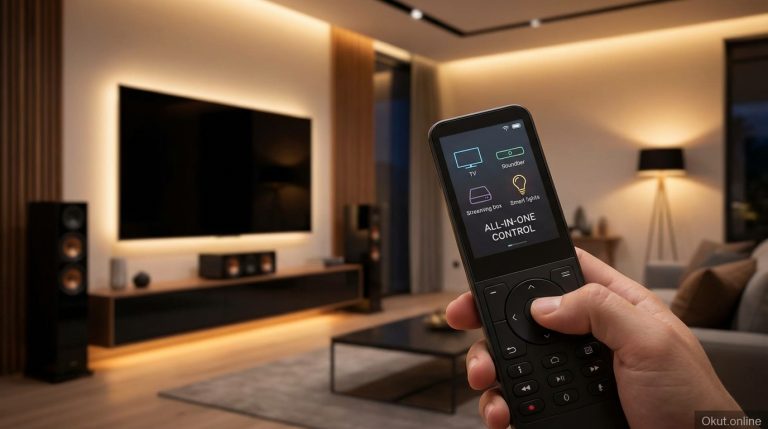
- Control: Universal remote or smart hub with IR capability
B. Smart Home Integration
Connected devices that enhance theater experience:
- Lighting: Smart bulbs or switches for dimming ambient light
- Blinds: Smart blinds for daylight control and light blocking
- Climate: Smart thermostat for comfortable viewing temperature
- Voice assistant: Echo, Google Home, or HomePod for hands-free control
C. Control Hub
Coordination platform that ties components together:
- Voice assistant routines: Alexa/Google routines coordinate multiple devices
- Universal remote hub: SofaBaton, Broadlink for IR device control
- Smart home hub: SmartThings, Hubitat for advanced automation
II. Essential Automations
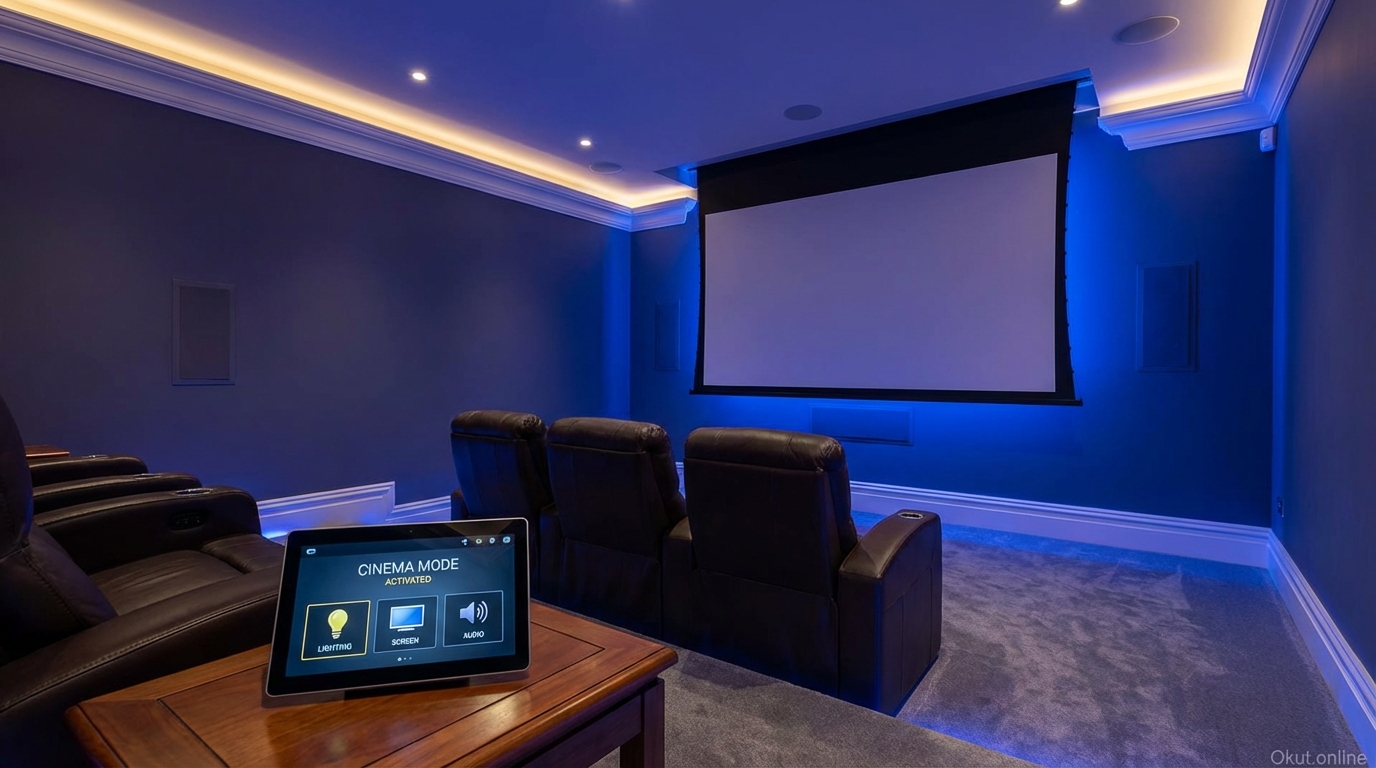
A. Movie Night Routine
The signature home theater automation—single command starts complete experience.
Trigger: “Alexa, movie night” or physical button press.
Actions:
- Dim living room lights to 10% or off
- Close smart blinds (if daytime)
- Power on TV
- Power on soundbar/receiver
- Switch to streaming device input
- Set thermostat to comfortable viewing temperature
- Turn on bias lighting behind TV (optional)
Result: Room transforms from normal living space to theater mode in seconds.
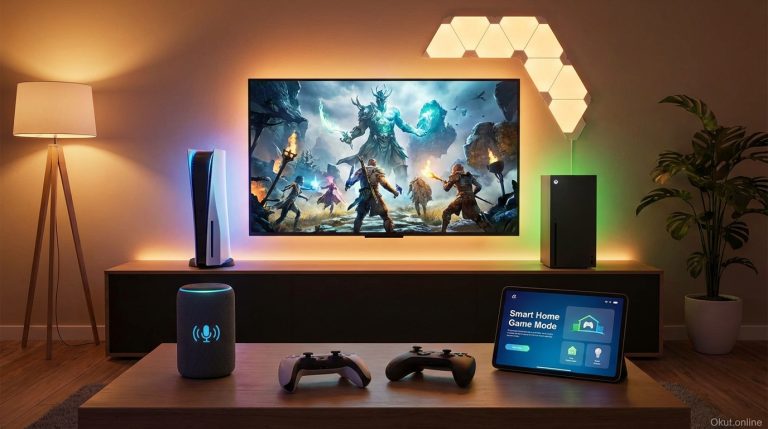
B. Gaming Mode
Optimized setup for gaming sessions.
Trigger: “Alexa, gaming mode” or console power-on detection.
Actions:
- Power on TV (switch to game mode for low latency)
- Power on soundbar
- Switch to gaming console input
- Set RGB lighting to gaming colors (if equipped)
- Slightly lower thermostat (gaming generates heat)
C. Pause/Resume
Quick pause that adjusts environment for brief breaks.
Trigger: “Alexa, pause movie.”
Actions:
- Pause playback (if supported by streaming device)
- Raise lights to 50%
“Resume” reverses: dims lights and resumes playback.
D. End of Movie
Clean shutdown that returns room to normal.
Trigger: “Alexa, movie over” or time-based (after 3 hours of inactivity).
Actions:
- Power off TV (or return to home screen)
- Power off soundbar
- Restore normal lighting levels
- Open blinds (if daytime)
- Return thermostat to normal schedule
III. Lighting Automation
A. Ambient Lighting Scenes
Create lighting scenes specifically for theater use.
Movie mode: All lights off or at 5-10% for minimal distraction.
TV mode: Dim but not fully dark—comfortable for casual viewing.
Intermission: 50% lights for breaks without harsh transition.
B. Bias Lighting
LED strips behind TV reduce eye strain and enhance perceived contrast.
Smart bias lighting: Philips Hue Play bars, Govee LED strips with smart control.
Reactive options: Philips Hue Sync Box, Govee Immersion sync with screen colors.
Automation: Include bias lighting in movie routines—on for movies, off when done.
C. Pathway Lighting
Dim floor-level lighting enables safe movement during movies.
Motion-activated: Motion sensor triggers low floor lighting for bathroom trips.
Always-dim option: Small lamps at 5% provide constant navigation light.
IV. Audio Automation
A. Volume Management
Voice control for volume adjustment without finding remote.
Voice commands: “Alexa, volume up/down on soundbar” (requires compatible soundbar or universal remote).
Preset volumes: Different activities set appropriate starting volumes.
B. Audio Source Switching
Automated input switching eliminates manual receiver adjustment.
Activity-based: Movie mode switches to optical input; gaming mode switches to HDMI 2.
HDMI-CEC: Often handles source switching automatically when device powers on.
V. Implementation Approaches
A. Voice Assistant Routines (Simplest)
Use Alexa or Google routines to coordinate smart devices.
Pros: No additional hardware if you have compatible smart devices.
Cons: Limited IR control for non-smart equipment.
Best for: Mostly smart TV and smart soundbar; supplemented with lighting.
B. Universal Remote + Voice (Balanced)
Combine universal remote hub with voice routines.
How: SofaBaton X1 or Broadlink RM4 controls IR devices; voice routines control smart devices.
Integration: Alexa skill triggers universal remote activities within larger routines.
Best for: Mix of smart and traditional equipment.
C. Smart Home Hub (Advanced)
SmartThings, Hubitat, or Home Assistant for comprehensive automation.
Capability: Complex automation with conditions, sensors, and advanced logic.
IR integration: Broadlink or similar for equipment control.
Best for: Advanced users wanting sophisticated theater automation.
VI. Projector-Specific Automation
Projector theaters have additional automation opportunities.
A. Screen Control
Motorized projection screens can be automated.
Smart control: Some screens have smart home integration; others use smart plugs or switches.
Routine integration: Screen descends when movie mode starts; retracts when done.
B. Projector Warm-Up
Account for projector warm-up time in automations.
Sequence: Power projector first; delay other actions until lamp is stable.
C. Complete Darkness
Projectors require darker environment than TVs.
Blackout automation: All lights fully off; blackout shades close completely.
VII. Common Mistakes to Avoid
- Overcomplicating Initial Setup: Start with simple routines; add complexity after basics work reliably.
- Ignoring HDMI-CEC: Enable CEC before adding external automation—may solve input switching automatically.
- Forgetting Manual Backup: Ensure physical controls still work when automation fails.
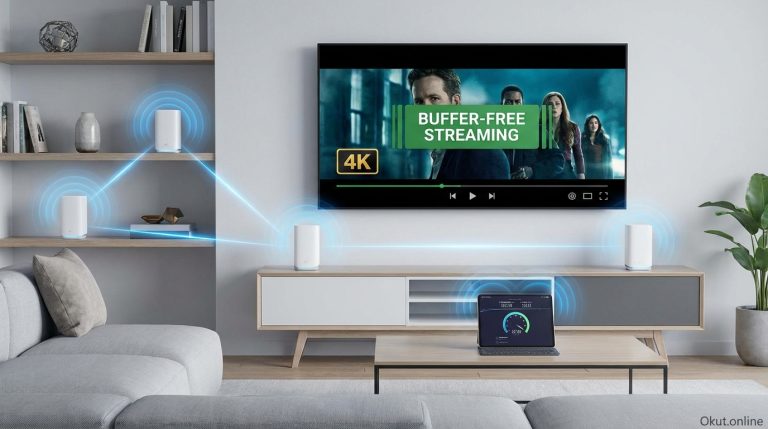
- Unreliable WiFi: Automation depends on network; ensure strong WiFi in theater area.
VIII. Practical Tips
- Start with Lighting: Lighting automation provides immediate impact without equipment control complexity.
- Use “All Off” Routine: Create simple shutdown routine that powers everything off reliably.
- Test with Family: Ensure automations are simple enough for all household members.
- Document Your Setup: Keep notes on what controls what for troubleshooting.
- Add Bias Lighting: Improves viewing experience and adds another automation element.
IX. Conclusion
Home theater automation transforms movie nights from multi-step equipment juggling into seamless experiences triggered by single voice commands. Start with lighting scenes that dim for movies and brighten after. Add equipment control through smart soundbars, HDMI-CEC, or universal remote hubs. Build voice routines that coordinate all elements—lights, blinds, A/V equipment, and climate—into cohesive “Movie Night” experiences. The goal is making entertainment effortless: say the word, and your living room becomes a theater.
What would be your ideal movie night automation? Share your home theater automation goals in the comments!
About the Author