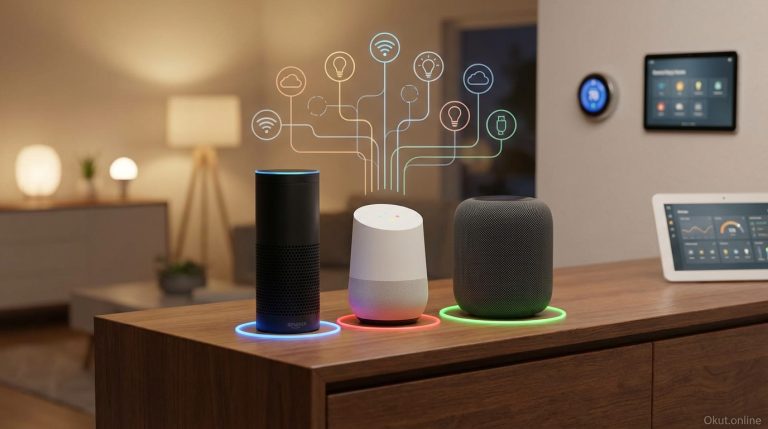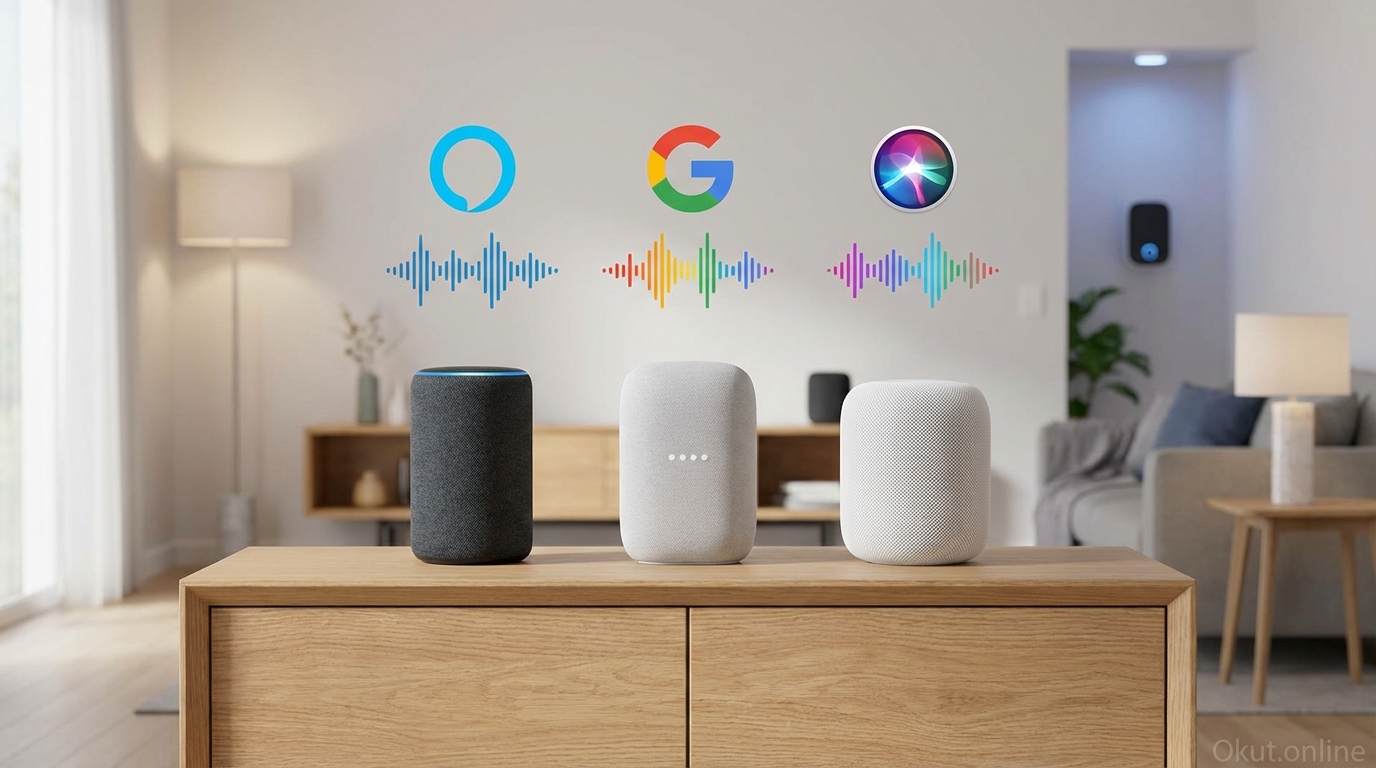
Voice assistants have evolved from novelty gadgets into essential interfaces for smart home control, information access, and household automation. In 2026, Amazon Alexa, Google Assistant, and Apple Siri each offer compelling capabilities with distinct strengths and philosophies. This comprehensive comparison examines smart home integration, voice recognition accuracy, natural language understanding, privacy approaches, and ecosystem lock-in to help you choose the voice assistant that best matches your needs and existing technology investments.
I. Understanding the Three Assistants
Before detailed comparison, understanding each assistant’s core philosophy and strengths provides context for feature-level evaluation.
A. Amazon Alexa
Alexa prioritizes smart home control breadth and third-party integration above all else. Amazon’s approach welcomes virtually every smart device manufacturer into the ecosystem, creating the widest device compatibility of any voice assistant.
The business model drives this openness—Amazon wants Echo devices in every home, positioning Amazon Prime, Amazon Music, and Amazon shopping within voice range. More device compatibility means more reasons to choose Alexa, furthering Amazon’s commerce goals.
Skills—Alexa’s term for voice-activated third-party apps—number in the hundreds of thousands, covering everything from smart device control to games to meditation to obscure trivia categories. This breadth comes with inconsistent quality, but nearly any voice-enabled application exists somewhere in the Skills library.
B. Google Assistant
Google Assistant leverages Google’s core strength: search and natural language understanding. When you ask questions, Google typically provides the most accurate and comprehensive answers, drawing from the world’s most extensive search index.
Conversational AI enables complex, multi-turn interactions where Google Assistant understands context and follow-up questions without requiring complete restatement. “What’s the weather in Paris?” followed by “What about next week?” works seamlessly—Google understands “Paris” carries forward.
Google’s ecosystem (Gmail, Calendar, Photos, Maps, YouTube) integrates deeply with Assistant. If you live in Google services, Assistant knows your schedule, can find your photos, and understands your preferences from your search history.
C. Apple Siri
Siri emphasizes privacy and Apple ecosystem integration over breadth. Your voice requests process more locally on Apple devices rather than cloud servers, and Apple collects less personal data than Amazon or Google.
Apple device integration creates seamless experiences when you’re fully invested in iPhone, iPad, Mac, Apple Watch, Apple TV, and HomePod. Cross-device continuity, Handoff, and unified accounts enable capabilities no mixed ecosystem matches.
Smart home support through HomeKit provides excellent security and privacy but limits compatibility to certified devices. Fewer devices work with Siri than Alexa, but those that do have passed Apple’s security standards.
II. Smart Home Control Comparison
For smart home enthusiasts, device compatibility and control capabilities matter most.
A. Device Compatibility
The number of compatible devices varies dramatically between platforms.
Amazon Alexa leads with support for over 300,000 smart home devices from over 9,500 brands. Nearly every smart device manufacturer ensures Alexa compatibility as a baseline requirement.
Google Assistant supports over 50,000 devices from 10,000+ brands. Most major manufacturers support Google, but niche devices may skip Google compatibility when resource-constrained.
Apple HomeKit supports substantially fewer devices—perhaps 5,000-10,000—but each has passed Apple’s security certification. The limited compatibility trades breadth for quality assurance.
Matter standardization is equalizing compatibility. Devices carrying Matter certification work with all three platforms, reducing future lock-in concerns. By 2026, most new smart devices support Matter.
B. Voice Control Capabilities
Basic commands (“turn on the lights”) work identically across platforms. Differences emerge in complex requests.
Group and room control: All three handle room-based commands (“turn off bedroom lights”) when devices are properly grouped.
Routine/Automation triggers: All three support triggering multi-step automations by voice, though configuration approaches differ.
Natural language flexibility varies. Google typically understands more phrasings of the same request. “Dim the living room to half” might work on Google while Alexa requires “set living room lights to 50 percent.”
Contextual commands work best on Google. “Turn off the lights” when you’re in the kitchen (as determined by which speaker you’re addressing) affects that room specifically.
C. Routine and Automation Depth
Voice-triggered routines enable complex multi-device control from simple commands.
Alexa Routines provide extensive triggers (time, voice, device events, location, alarms) and actions (device control, announcements, music, Alexa responses, wait times). The Routines interface is powerful but can be complex.
Google Routines offer similar capability with perhaps slightly easier configuration for basic scenarios. Trigger options include time, voice commands, and some device events.
Siri Shortcuts and HomeKit Automations provide powerful automation, particularly for Apple device control beyond just smart home. Shortcuts can automate iOS apps, not just smart home devices.
III. Voice Recognition and Understanding
The ability to accurately hear and understand commands determines day-to-day usability.
A. Wake Word Accuracy
Each assistant uses wake words (“Alexa,” “Hey Google,” “Hey Siri”) to activate listening.
Alexa responds to “Alexa,” “Amazon,” “Echo,” or “Computer”—multiple options help avoid conflicts or match preferences.
Google requires “Hey Google” or “OK Google”—the two-word wake phrase reduces accidental activations but feels less natural.
Siri uses “Hey Siri” universally, though newer devices support “Siri” alone without “Hey.”
False activation (triggering without being addressed) occurs on all platforms. Names similar to wake words in conversation can trigger listening. Google’s two-word wake phrase produces fewer false activations.
B. Speech Recognition Accuracy
Understanding what you said after activation determines success.
All three achieve 95%+ accuracy in ideal conditions (close distance, quiet environment, clear pronunciation). Real-world conditions introduce challenges.
Background noise handling: Google typically performs best in noisy environments. Far-field microphone arrays on premium speakers (Echo Studio, Nest Audio, HomePod) outperform budget devices.
Accent recognition has improved dramatically. All three handle major English accents well; regional variations and non-native accents see variable performance. Google’s training from search voice input gives it an edge.
Name recognition for smart devices and contacts benefits from customization. Adding phonetic pronunciations helps all three handle unusual names.
C. Natural Language Understanding
Beyond hearing words correctly, understanding intent determines usefulness.
Google Assistant leads in natural language understanding thanks to decades of search query interpretation. Unusual phrasings, implicit context, and ambiguous requests resolve better on Google.
Alexa requires more structured commands for reliable results. Learning “Alexa-speak” improves success rates but represents a learning curve.
Siri falls in between—good at common requests, sometimes struggling with unusual phrasings.
Follow-up questions and conversational context persist better on Google. Multi-turn conversations without restating context work more reliably.
IV. Speaker Hardware Options
Voice assistant experience depends partly on hardware delivering the voice interface.
A. Amazon Echo Lineup
Amazon offers the widest range of Alexa-powered devices at every price point.
Echo Dot (5th Gen) – $50: Compact, affordable smart speaker for bedrooms and secondary rooms. Improved audio over previous generations.
Echo (4th Gen) – $100: Mid-range speaker with respectable sound quality for music and better microphone array.
Echo Studio – $200: Premium audio with Dolby Atmos, spatial audio, and sound quality rivaling specialty speakers.
Echo Show series: Smart displays combining voice assistant with visual interfaces—recipes with step-by-step videos, video calls, security camera viewing.
Echo Pop, Echo Input, Echo Flex: Budget and specialty options for minimal Alexa access without significant audio quality.
B. Google Nest Lineup
Google’s hardware emphasizes audio quality and visual interfaces.
Nest Mini (2nd Gen) – $50: Google’s entry point, compact and affordable with improved bass over first generation.
Nest Audio – $100: Google’s mid-range speaker with excellent sound quality that punches above its price.
Nest Hub series: Smart displays providing visual recipe guidance, photo slideshows, video streaming, and smart home dashboard control.
Google prioritizes audio quality over product proliferation, resulting in fewer options but strong performance at each tier.
C. Apple HomePod
Apple offers limited hardware options with premium positioning.
HomePod (2nd Gen) – $299: Premium speaker with exceptional audio quality, spatial audio with Dolby Atmos, and room-sensing equalization. Siri integration prioritizes music and Apple ecosystem features.
HomePod mini – $99: Compact speaker with good, not great audio and full Siri capability. Serves as HomeKit hub.
Apple TV with Siri: Apple’s streaming box includes Siri for entertainment control, though voice range is limited without HomePod.
Limited options frustrate users wanting Apple ecosystem with more price points or form factors.
V. Ecosystem Integration
Voice assistants gain power through integration with their parent company’s broader ecosystem.
A. Amazon Ecosystem
Alexa integrates deeply with Amazon’s commerce and entertainment properties.
Amazon Prime and Prime Video integrate for voice-controlled entertainment and delivery tracking.
Amazon Music works seamlessly—”Alexa, play music” defaults to Amazon Music integration.
Shopping by voice enables reordering common items, though many users disable this to prevent accidental purchases.
Fire TV devices bring Alexa to television entertainment, enabling voice search and smart home control from the remote.
Ring doorbells and cameras integrate natively with Alexa for announcements and viewing.
B. Google Ecosystem
Assistant leverages Google’s dominant services infrastructure.
Google Calendar, Gmail, and Contacts provide personal context for queries. “What’s on my calendar?” and “Read my email” work when Google has access to your data.
Google Maps integration answers location and navigation questions with unmatched depth.
YouTube and YouTube Music integrate for entertainment, with voice search across millions of videos.
Google Photos enables voice-triggered viewing on Nest Hub displays—”Show photos of the beach” finds relevant images.
Chromecast devices accept Google Assistant commands for casting and playback control.
C. Apple Ecosystem
Siri thrives when fully invested in Apple hardware and services.
Apple Music is the default music service, deeply integrated with Siri commands.
HomeKit provides unified smart home control with excellent security standards.
iPhone, iPad, Mac, Apple Watch, and Apple TV all share Siri capability with synchronized preferences.
Messages and calls work across devices—asking Siri to send a message works from HomePod, with the message appearing on your iPhone.
Find My integration locates Apple devices and AirTags by voice.
VI. Privacy Approaches
Voice assistants necessarily process your voice, raising privacy considerations.
A. Data Collection Differences
Each company’s business model affects data practices.
Amazon collects voice recordings to improve Alexa and targets advertising (Amazon’s advertising business has grown substantially). You can delete recordings and opt out of human review.
Google similarly collects data to improve Assistant and inform advertising across Google’s properties. Activity controls let you limit retention and review.
Apple processes more requests on-device rather than cloud servers, collects less data, and explicitly does not use Siri data for advertising. Apple’s privacy focus is genuine and consistent with their hardware-based business model.
B. Privacy Controls
All three provide privacy controls; implementation varies.
Alexa: Privacy Settings in the Alexa app allow reviewing and deleting voice history, opting out of human review of recordings, and enabling “Do Not Send Voice Recordings.”
Google: Activity Controls let you manage Web & App Activity, including voice recordings. Auto-delete settings can limit data retention.
Apple: Siri & Dictation settings control whether transcripts are shared for improvement. Default settings are more privacy-protective than competitors.
C. Local Processing
Processing requests locally rather than in the cloud improves privacy and response speed.
Apple has expanded on-device processing, with many Siri requests handled by the device’s Neural Engine without cloud transmission.
Amazon and Google process most requests in the cloud but are adding local processing for common commands, particularly smart home control.
Matter and Thread smart home protocols support local control, reducing cloud dependency for device commands.
VII. Third-Party App Integration
Voice access to third-party services extends assistant capability beyond native functions.
A. Alexa Skills
Alexa’s Skills library is massive—over 100,000 Skills covering every imaginable category.
Quality varies wildly. Some Skills work excellently; others are barely functional. Ratings help identify useful Skills.
Smart home Skills enable every manufacturer to provide voice control without Amazon’s individual involvement.
Entertainment, news, games, meditation, productivity—Skills exist for nearly every voice-appropriate application.
Flash Briefings aggregate news from multiple sources into personalized morning updates.
B. Google Actions
Google’s third-party voice apps (formerly Actions, now part of Assistant ecosystem) are fewer than Alexa Skills but generally higher quality.
Direct integration with Google services means many functions that require Skills on Alexa are native on Google.
Smart home Actions provide device control for non-native integrations.
Entertainment services (Netflix, Spotify, etc.) integrate with voice commands for playback control.
C. Siri Shortcuts
Shortcuts extend Siri with custom voice triggers for app-specific actions and automation.
Siri Shortcuts can automate nearly any iOS app function that supports Shortcuts integration.
Pre-built Shortcuts from developers add capabilities without custom configuration.
Complexity ceiling is high—Shortcuts can include conditionals, loops, and complex logic beyond typical voice assistant automation.
VIII. Comparison Table
| Feature | Amazon Alexa | Google Assistant | Apple Siri |
|---|---|---|---|
| Smart Home Compatibility | Excellent (300,000+ devices) | Very Good (50,000+ devices) | Good (HomeKit certified) |
| Voice Recognition | Very Good | Excellent | Good |
| Natural Language | Good | Excellent | Good |
| Privacy | Moderate | Moderate | Excellent |
| Speaker Options | Many ($25-200+) | Several ($50-200) | Limited ($99-299) |
| Third-Party Apps | Excellent (100K+ Skills) | Very Good | Good (Shortcuts) |
| Best For | Smart home breadth | Questions & conversations | Apple ecosystem users |
IX. Recommendations by User Type
A. Choose Amazon Alexa If:
- Smart home control breadth is your top priority
- You want the most speaker hardware options at every price
- You use Amazon Prime and Amazon services extensively
- You want the largest third-party Skills library
- You’re building a smart home on limited budget
B. Choose Google Assistant If:
- Answering questions and finding information matters most
- You use Google services (Gmail, Calendar, Photos)
- Natural conversational interaction is important to you
- You want the best voice recognition and understanding
- YouTube and Google entertainment integration appeals
C. Choose Apple Siri If:
- You’re already invested in Apple ecosystem
- Privacy is a significant concern
- You value audio quality and are willing to pay premium
- HomeKit smart home devices suit your needs
- Cross-device continuity within Apple matters
X. Conclusion
Amazon Alexa, Google Assistant, and Apple Siri each excel in different dimensions. Alexa leads in smart home device compatibility and third-party Skills variety, making it ideal for home automation enthusiasts who want every device to work. Google Assistant provides superior question-answering and natural conversation, leveraging Google’s search prowess for users who want an intelligent information companion. Siri emphasizes privacy and Apple ecosystem integration, rewarding users fully invested in Apple hardware with seamless cross-device experiences. For most households, the choice follows existing ecosystem investment—Amazon users gravitate to Alexa, Google users to Google Assistant, and Apple users to Siri. Those starting fresh should prioritize their primary use case: smart home control (Alexa), information access (Google), or privacy (Siri).
Which voice assistant do you use, and what would make you consider switching? What features matter most for your daily use? Share your experience in the comments!
About the Author