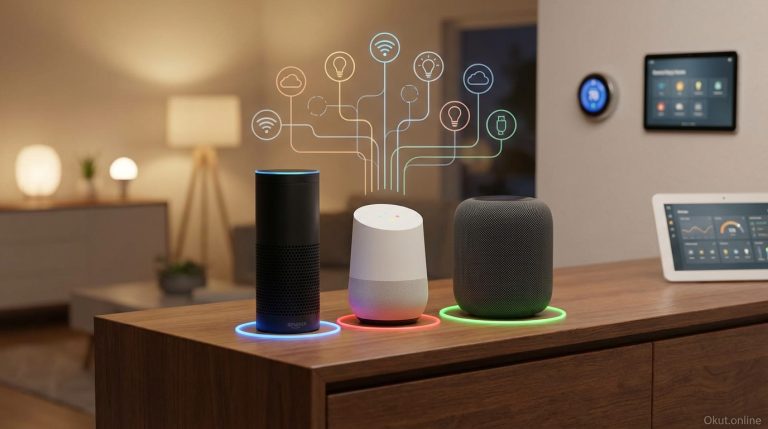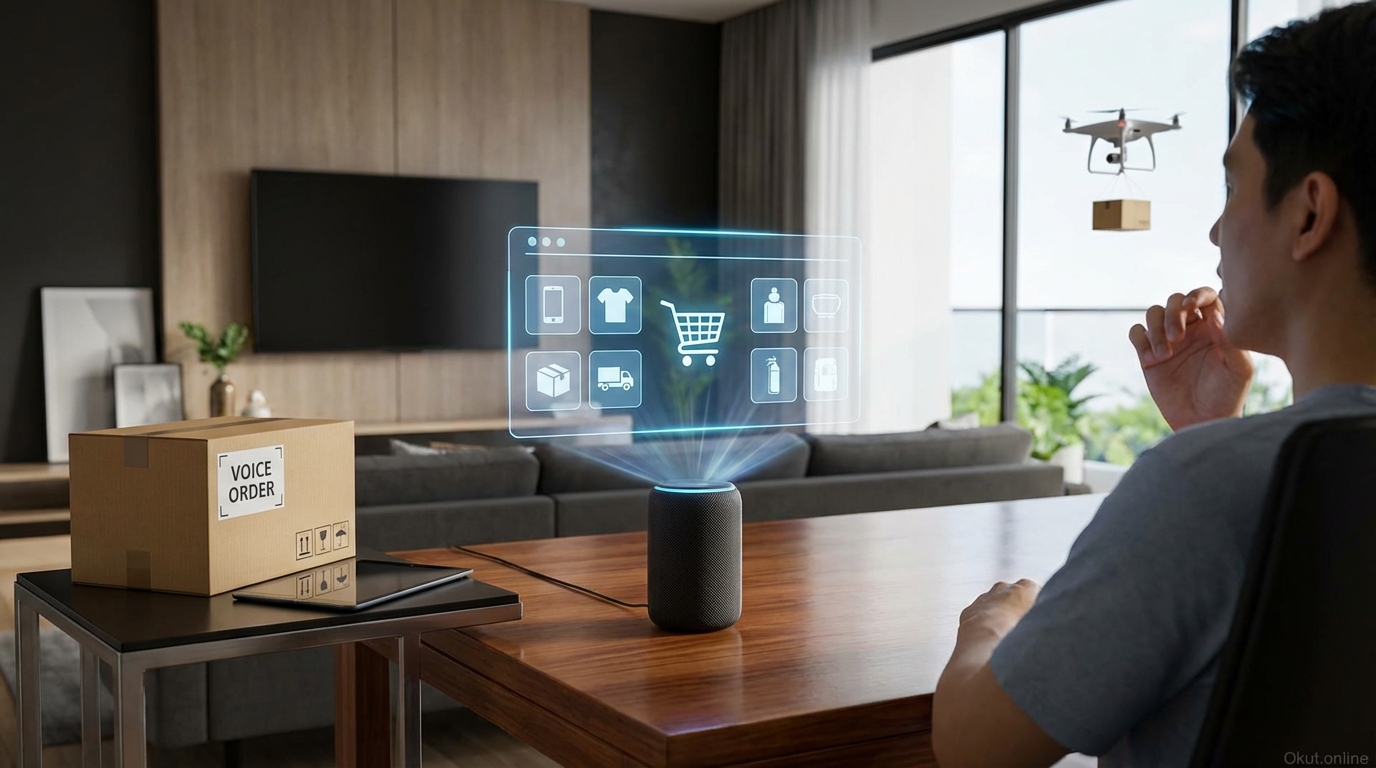
Voice shopping enables purchasing products and services through voice commands to your smart speaker or phone, transforming how you order household essentials, restock supplies, and manage routine purchases. In 2026, Amazon Alexa leads voice commerce while Google Shopping and Apple Pay through Siri offer complementary capabilities. This guide examines voice shopping functionality, security considerations, practical use cases, and how to configure voice purchasing for convenience without exposing your household to unwanted purchases or security risks.
I. How Voice Shopping Works
Understanding the voice shopping process helps you decide whether and how to enable voice purchasing.
A. Basic Voice Shopping Flow
Voice shopping typically follows this pattern:
- Voice command: “Alexa, order paper towels”
- Assistant searches available products based on your purchase history, preferences, and defaults
- Assistant presents an option: “Based on your order history, you usually buy Bounty Select-A-Size, a 12-pack is $24.99. Should I order it?”
- Confirmation: “Yes, order it”
- Order placement with payment method and shipping address from your account
The confirmation step provides opportunity to review before purchase. Without confirmation, the order isn’t placed.
B. Reordering vs. New Purchases
Voice shopping works best for reordering familiar products rather than first-time purchases.
Reordering defaults to previously purchased items. “Alexa, reorder coffee” finds your typical coffee brand and package from order history.
New purchases require more voice interaction to specify product details and may result in less optimal choices without visual comparison.
Best use cases involve household consumables you regularly purchase: paper products, cleaning supplies, pet food, personal care items.
C. Platform Differences
Different platforms offer different voice commerce capabilities.
Amazon Alexa provides the most comprehensive voice shopping, leveraging Amazon’s retail infrastructure and Prime membership.
Google Shopping through Assistant enables voice shopping from various retailers, with different integration levels by retailer.
Apple Pay with Siri handles some purchases, primarily for Apple-partnered services and some order capabilities.
II. Amazon Alexa Voice Shopping
Alexa voice shopping dominates the category, deeply integrated with Amazon’s commerce ecosystem.
A. Setup and Configuration
Voice shopping uses your Amazon account’s default payment method and shipping address.
1-Click ordering settings in your Amazon account control voice purchase defaults.
Prime membership affects voice shopping through Prime shipping benefits and Prime Day exclusive deals.
Voice Purchasing settings (Alexa app → Settings → Account Settings → Voice Purchasing) enable/disable purchasing and configure voice code protection.
B. Voice Code Protection
A voice code (4-digit PIN) can be required before completing voice purchases.
Enable voice code: Settings → Account Settings → Voice Purchasing → Require confirmation code → On → Set your code.
When enabled, Alexa asks for your code before completing any purchase, preventing unauthorized buying.
Trade-off: voice codes reduce convenience but significantly improve security against accidental or unauthorized purchases.
C. Kid Skills and Purchasing
Amazon FreeTime controls purchasing for child-associated profiles.
Voice purchasing can be disabled entirely for child profiles.
Approve First feature requires adult approval before purchases complete, allowing kids to request items parents authorize.
D. Common Alexa Shopping Commands
- “Alexa, order [product]” – Start new order
- “Alexa, reorder [product]” – Reorder previously purchased item
- “Alexa, add [item] to my cart” – Add to cart without purchasing
- “Alexa, what’s in my cart?” – Review cart contents
- “Alexa, buy what’s in my cart” – Purchase cart items
- “Alexa, track my order” – Get delivery status
- “Alexa, where’s my stuff?” – Get delivery updates
III. Google Shopping via Voice
Google Shopping voice integration works differently from Amazon’s native retail approach.
A. Multi-Retailer Approach
Google Shopping aggregates products from multiple retailers rather than operating its own retail.
Available retailers vary by product category and location.
Checkout happens with individual retailers; Google facilitates the search and ordering.
B. Setup Requirements
Google Pay setup with payment method and address enables voice purchases.
Voice Match identification can restrict purchasing to recognized voices.
Payments settings in Google Assistant control purchasing authorization.
C. Purchase Confirmation
Google typically requires explicit confirmation before completing purchases.
Authentication options include voice confirmation, fingerprint, or Face ID depending on device.
Personal results settings affect what purchasing information Assistant can access.
IV. Voice Shopping Security
Voice shopping introduces purchase risks worth understanding and managing.
A. Accidental Purchases
Children, guests, or TV audio could trigger unintended purchases.
News stories about children ordering expensive items or TV ads triggering purchases illustrate real risks.
Mitigation: Enable voice code confirmation, voice recognition requirements, or disable voice purchasing entirely if risk exceeds benefit.
B. Unauthorized Adult Purchases
Household members might make purchases you don’t want without your knowledge.
Shared Amazon accounts mean anyone with account access can voice-purchase.
Consider separate accounts, purchasing alerts (email/notification when orders placed), or voice code protection.
C. Payment Security
Voice purchasing uses stored payment methods without entering card numbers.
No card number exposure during voice transactions—card data remains stored in your account.
Account security (strong password, 2FA) protects payment methods associated with accounts.
V. Smart Reordering and Subscriptions
Beyond one-time voice purchases, subscription and reordering features automate routine purchasing.
A. Amazon Subscribe & Save
Subscribe & Save provides automatic recurring delivery of items you regularly use.
Discount incentive: 5-15% savings on subscription items.
Manage via app or voice: “Alexa, skip my next Subscribe & Save delivery” or “Alexa, add [item] to Subscribe & Save.”
B. Dash Replenishment
Smart devices with Dash Replenishment can auto-order supplies when running low.
Printers ordering ink, coffee makers ordering pods, and washers ordering detergent represent common applications.
Alexa integration manages these automated orders: “Alexa, cancel my toner order.”
C. Smart Shopping Lists
Voice-managed shopping lists capture items as you think of them.
“Alexa, add eggs to my shopping list” accumulates your list over time.
“Alexa, what’s on my shopping list?” reviews accumulated items.
Some integrations connect Alexa lists to grocery delivery services for voice-to-checkout ordering.
VI. Common Mistakes to Avoid
- Leaving Voice Purchasing Fully Open: At minimum, enable voice code or voice recognition before enabling purchasing. Unlimited voice purchasing invites problems.
- Ignoring Purchase Notifications: Set up email or push notifications for all orders, enabling quick cancellation of unwanted purchases.
- Using Voice for Major Purchases: Voice shopping suits routine, low-value consumables—not high-value items requiring research and comparison.
- Forgetting About Kids: Configure kid profiles or disable purchasing on kid-accessible devices to prevent unauthorized orders.
- Assuming Best Price: Voice shopping typically offers convenient prices, not necessarily best prices. Compare for significant purchases.
VII. Practical Tips for Voice Shopping Success
- Start with Cart, Not Purchase: “Add to cart” lets you review on screen before buying. Build the habit of adding to cart, then reviewing and purchasing via app or website.
- Use for Reorders Only: Voice shopping excels at reordering familiar items. Keep new purchases for visual shopping where you can compare options.
- Set Up Voice Code: The minor inconvenience of speaking a 4-digit code prevents significant accidental purchase hassle.
- Review Purchase History: Periodically review voice purchases to ensure nothing unexpected slipped through.
- Consider Family Accounts: Separate accounts provide separate purchase histories and controls, useful for households needing different access levels.
VIII. Conclusion
Voice shopping provides genuine convenience for routine household replenishment—reordering paper towels, pet food, and household essentials becomes effortless when configured properly. The key is matching voice shopping to appropriate use cases (routine reorders, not major purchases) while implementing security measures (voice codes, purchase alerts, kid controls) that prevent unintended orders. Amazon Alexa leads voice commerce capability; Google offers multi-retailer alternatives. Used thoughtfully, voice shopping saves time on mundane purchasing tasks while your security controls prevent the mishaps that make headlines.
Do you use voice shopping, and what products work best for voice ordering? Share your voice commerce experience in the comments!
About the Author