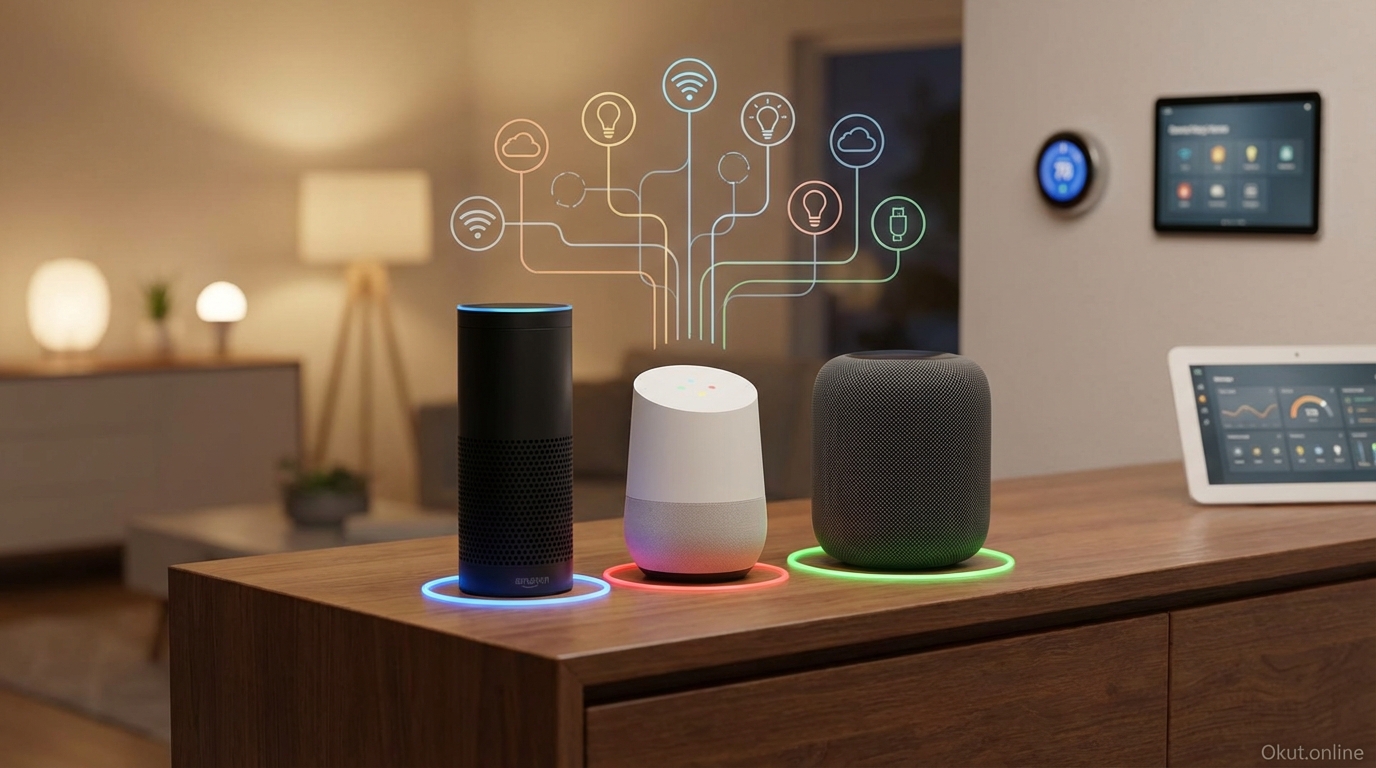
While most smart home guides recommend choosing one voice assistant ecosystem, reality often involves multiple assistants coexisting under the same roof. Perhaps one household member prefers Alexa while another uses Siri, or specific devices work better with Google Assistant despite your primary Alexa setup. In 2026, running multiple voice assistants together is increasingly practical with Matter standardization and improved cross-platform device compatibility. This guide explains why multi-assistant homes exist, strategies for peaceful coexistence, and how to maximize the benefits while minimizing confusion.
I. Why Multi-Assistant Homes Happen
Multiple voice assistants in one home typically result from practical factors rather than deliberate complexity.
A. Different Ecosystem Investments
Household members often have different technology preferences and investments.
One partner uses iPhone with Apple Watch and prefers Siri; the other uses Android and prefers Google Assistant. Forcing one to adopt the other’s ecosystem creates friction; maintaining both respects preferences.
Kids might have different preferences from parents, or extended family members visiting frequently might expect their familiar assistant.
B. Platform-Specific Strengths
Each assistant excels in different areas, making combinations attractive.
Alexa controls the widest range of smart home devices. Google answers questions most accurately. Siri integrates best with Apple devices and services. Using Alexa for smart home control while keeping Google for information queries captures different strengths.
C. Device-Specific Optimizations
Some devices work best with specific assistants.
Ring doorbells and cameras work seamlessly with Alexa but have limited Google integration. Nest thermostats work best with Google. Apple TV works best with Siri. Device-specific optimization sometimes drives assistant diversity.
D. Gradual Ecosystem Evolution
Homes often accumulate devices over time, switching platforms as preferences evolve.
Early adoption of Alexa might be followed by growing interest in Google, leaving both ecosystems represented in the home. Complete replacement of working devices seems wasteful.
II. Challenges of Multi-Assistant Homes
Running multiple assistants creates challenges worth understanding before deciding whether multi-assistant life is for you.
A. Device Confusion
Remembering which assistant controls which device requires mental overhead.
“Alexa, turn on living room lights”—but wait, those are Hue lights controlled through Google. Or are they? The cognitive load of tracking assistant-device associations increases with complexity.
B. Conflicting Wake Words
In shared spaces, multiple assistants may both respond to nearby wake words.
Speaking to Alexa might wake the nearby Google speaker too, creating confusion or competing responses. Strategic placement reduces this issue but doesn’t eliminate it entirely.
C. Routine Fragmentation
Automation routines can’t easily span assistants.
An Alexa Routine can control Alexa-connected devices but can’t directly trigger Google Home actions. Multi-assistant homes need separate routines on each platform, potentially duplicating effort or accepting inconsistent automation.
D. App Proliferation
Each assistant requires its own app for configuration.
Three assistants mean three apps for routine creation, device management, and settings. Finding specific configuration options requires remembering which app controls what.
III. Strategies for Multi-Assistant Success
With thoughtful planning, multi-assistant homes can work effectively.
A. Zone-Based Assignment
Assign each assistant to specific zones rather than mixing throughout the house.
Alexa controls kitchen and living room; Google controls bedrooms; Siri controls the home office. Within each zone, one assistant dominates, eliminating confusion about which assistant controls zone devices.
Zone boundaries should respect room acoustics—assistants in adjacent rooms with open doorways still risk cross-triggering.
B. Function-Based Assignment
Assign each assistant to specific functions rather than locations.
Alexa handles smart home device control throughout the house. Google handles questions and information. Siri handles Apple device control and music. Each assistant does what it does best regardless of location.
This approach requires remembering function-to-assistant mapping but provides consistent expectations.
C. Primary and Secondary Strategy
Designate one assistant as primary for most functions, with others handling specific exceptions.
Alexa as primary for 90% of interactions; Google for questions where Alexa’s answers are weak; Siri for Apple Music control. The primary handles default expectations; secondary assistants serve specific purposes.
D. Matter as Unifying Layer
Matter-certified devices work with all major voice assistants.
As you replace older smart home devices, choosing Matter-certified replacements reduces assistant dependency. The same light switch responds to Alexa, Google, and Siri commands, eliminating device-assistant mapping confusion.
Matter won’t solve existing non-Matter devices but provides path toward platform flexibility as you upgrade.
IV. Device Placement Strategies
Physical placement of voice assistant speakers affects practical multi-assistant usability.
A. Separation Distance
Place different assistant speakers with sufficient separation to avoid cross-triggering.
Same room placement of competing assistants almost guarantees cross-triggering. Adjacent rooms with closed doors work better. Opposite ends of open floor plans may work if distance is sufficient.
B. Acoustic Isolation
Recognize how sound travels in your home.
Open floor plans, high ceilings, and hard surfaces carry sound further than expected. What seems like different rooms acoustically might as well be the same room when sound bounces off hard floors.
C. Use Cases by Location
Place the most appropriate assistant where its strengths matter.
Kitchen voice assistant should handle recipe questions and timer management well—Google excels here. Living room assistant should control entertainment—Alexa’s Fire TV integration matters if you use Fire TV.
V. Smart Home Device Strategy
Managing smart home devices across multiple assistants requires deliberate planning.
A. Multi-Platform Device Selection
Choose smart home devices that work with multiple platforms when possible.
Many devices support both Alexa and Google simultaneously. Philips Hue, TP-Link Kasa, and many others work with all major assistants. Multi-platform devices reduce pressure to pick one assistant exclusively.
B. Hub-Based Management
Smart home hubs (SmartThings, Hubitat, Home Assistant) can connect to multiple voice platforms.
SmartThings devices appear in both Alexa and Google Home. A single device management point feeds multiple voice interfaces, simplifying multi-assistant device control.
C. Matter and Thread Priority
Prioritize Matter-certified devices for new purchases.
Matter devices work with any Matter controller—Alexa, Google, HomeKit, SmartThings—without device-specific compatibility concerns. This future-proofs your smart home against platform changes.
VI. Automation Across Assistants
Triggering actions across assistant ecosystems requires creative approaches.
A. IFTTT as Bridge
IFTTT (If This Then That) connects different services and devices.
An Alexa trigger (“Alexa, trigger good morning”) can execute IFTTT applets that affect devices on other platforms. While not as fast as native routines, IFTTT enables cross-platform automation.
B. Smart Home Hub Automation
Hubs like Home Assistant create automations independent of voice assistants.
Home Assistant automation runs locally, triggered by various sources, controlling devices across ecosystems. Voice assistants become interfaces to central automation rather than automation sources themselves.
C. Parallel Routines
Create similar routines on each platform for different access methods.
“Goodnight” routine on Alexa and “Goodnight” routine on Google both achieve similar outcomes. Whichever assistant hears the command executes appropriate actions for devices it controls.
This requires duplicated configuration effort but provides flexibility in which assistant you address.
VII. Common Mistakes to Avoid
- Maximum Complexity from Start: Begin with simple multi-assistant setup and expand gradually. Trying to optimize everything simultaneously creates overwhelming confusion.
- Same Room Competing Speakers: Multiple assistants in identical locations guarantee cross-triggering frustration. Separate by room or disable some devices.
- Expecting Seamless Integration: Multi-assistant homes will never be as seamless as single-assistant homes. Accept some complexity as trade-off for platform flexibility.
- Neglecting Household Communication: Everyone in the household needs to understand the multi-assistant arrangement. Undefined expectations create frustration.
- Ignoring Matter: As you add or replace devices, ignoring Matter compatibility locks in future platform limitations. Prioritize Matter for new purchases.
VIII. Practical Tips for Multi-Assistant Success
- Document Your Setup: Keep notes on which assistant controls what. Complex arrangements require reference documentation.
- Train Household Members: Explain the arrangement to everyone who uses the home. Share trigger phrases and assistant assignments.
- Regularly Reevaluate: As devices update and platforms evolve, reassess whether multi-assistant complexity still serves you.
- Consider Consolidation: If multi-assistant complexity causes constant frustration, simplifying to one platform may improve quality of life despite losing some capabilities.
- Use Smart Displays Where Helpful: Smart displays provide visual feedback about which assistant responded and what it’s doing, reducing confusion.
IX. Conclusion
Running multiple voice assistants in one home is increasingly practical though never as seamless as single-assistant setups. With strategic placement, zone-based or function-based assignment, and smart device choices prioritizing multi-platform compatibility, multi-assistant homes can capture each platform’s strengths while managing complexity. Matter standardization is steadily reducing the friction of multi-assistant homes by making devices platform-agnostic. For households with mixed ecosystem preferences or specific platform requirements, multi-assistant life works when approached thoughtfully. For those seeking simplicity above all, consolidating to one assistant remains the lower-friction choice.
Do you run multiple voice assistants, and if so, how do you manage the complexity? What strategies work best for your multi-assistant home? Share your experience in the comments!
About the Author