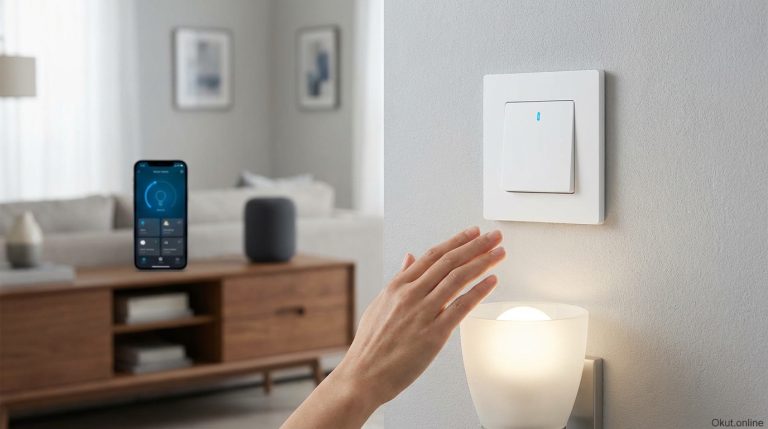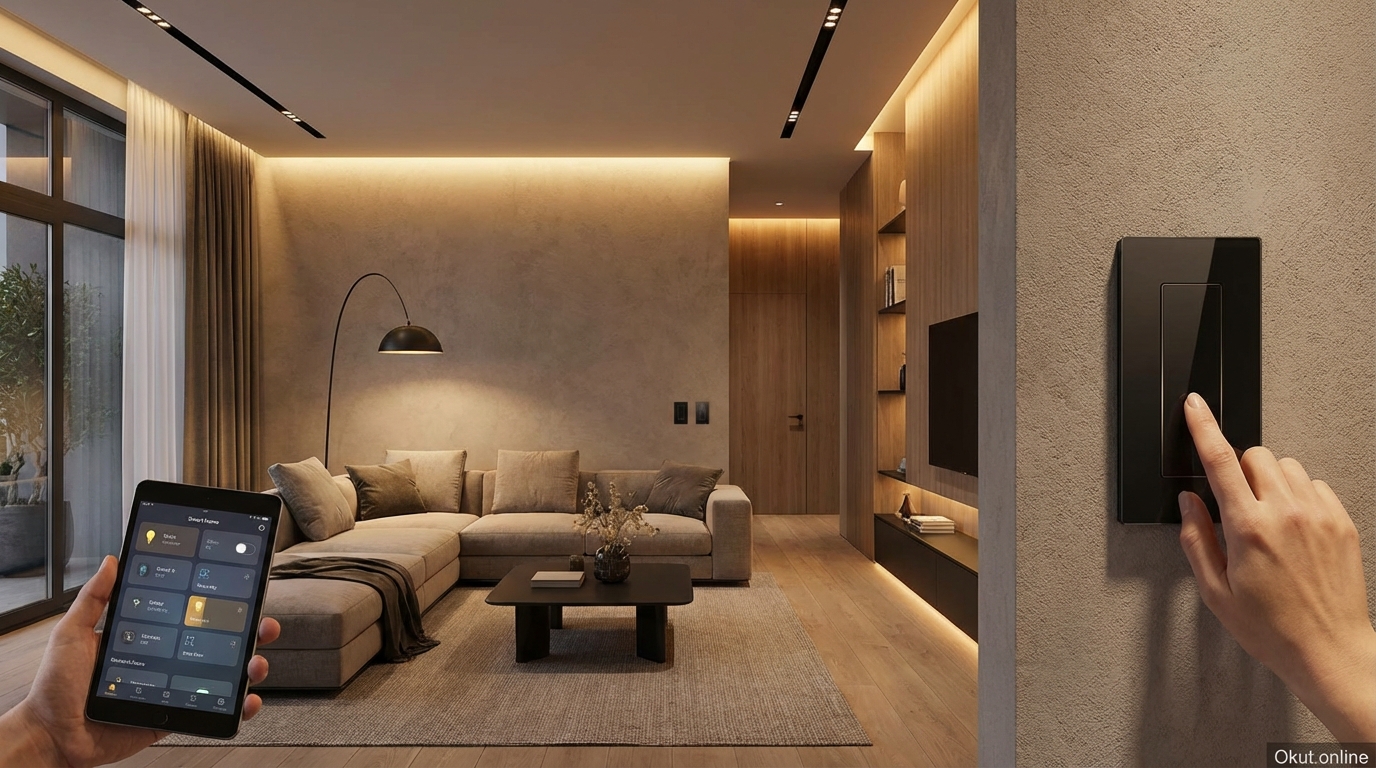
Smart switches and dimmers replace traditional wall switches with intelligent controls offering remote access, voice control, scheduling, and integration with broader smart home systems. In 2026, these devices range from simple WiFi switches to sophisticated Z-Wave dimmers with LED notification bars and extensive automation capabilities. This comprehensive guide compares top products, explains the critical differences between switch technologies, covers installation requirements, and helps you select the right smart switches for your home’s specific wiring and functionality needs.
I. Smart Switches vs. Smart Bulbs
Before examining smart switches specifically, understanding when switches are preferable to smart bulbs helps you make appropriate choices for different lighting situations.
A. When to Choose Smart Switches
Smart switches control power to entire fixtures, making them ideal for circumstances where bulb replacement isn’t practical or desirable.
Multi-bulb fixtures like chandeliers, vanity bars, and ceiling fans with multiple bulbs would require replacing many bulbs to achieve smart control. A single smart switch controls all bulbs in the fixture at once, at the cost of one switch rather than multiple smart bulbs.
Specialty bulbs including decorative shapes, specialty bases, and non-standard form factors may not have smart alternatives. Smart switches control whatever bulbs the fixture accepts.
High-traffic areas where family members habitually use wall switches benefit from smart switches that work both ways—manual switching remains available while smart control adds convenience.
Permanent installations where you want smart control that doesn’t require tenant or future owner cooperation suit smart switches that become part of the house infrastructure.
B. When Smart Bulbs Are Better
Smart bulbs provide capabilities that switches cannot offer.
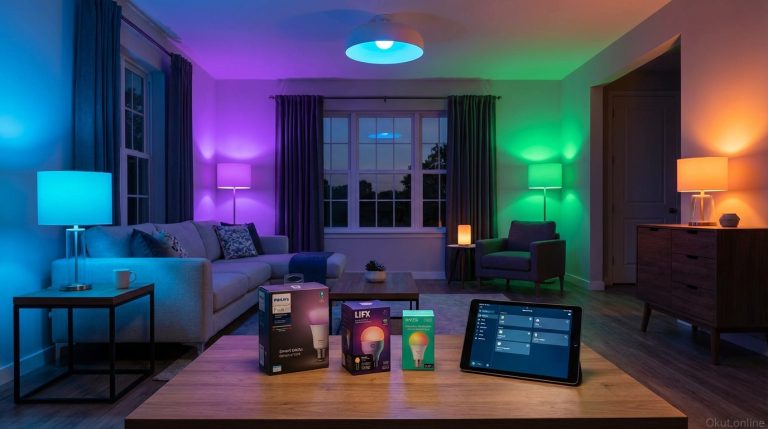
Color changing requires smart bulbs—switches control power only and cannot affect bulb color output.
Individual bulb control in multi-socket fixtures allows different bulbs to have different settings. Switches treat all fixture bulbs identically.
Rental situations where switch replacement isn’t permitted accommodate smart bulbs that require no installation.
Mixed solutions work well—smart switches for fixed-color fixtures like recessed lighting, smart bulbs for accent lamps where color matters.
II. Types of Smart Switches
Smart switches vary in connectivity, features, and installation requirements. Understanding these types helps you select appropriate switches.
A. WiFi Smart Switches
WiFi switches connect directly to your home network, requiring no hub or bridge for basic operation.
Simplest setup involves downloading an app, connecting the switch to WiFi during installation, and beginning use immediately. No additional hardware purchase required.
Network load becomes a consideration for extensive deployments. Each WiFi switch consumes a device slot on your router; homes with 20+ WiFi switches may experience network congestion affecting reliability.
Cloud dependency in most WiFi switches means control routes through manufacturer servers. If the cloud service has outages, remote control fails (though physical switching continues working).
No hub cost makes WiFi switches attractive for small deployments or single-switch additions without smart home infrastructure investment.
B. Z-Wave Smart Switches
Z-Wave switches use a dedicated smart home wireless protocol, communicating through Z-Wave hubs rather than directly via WiFi.
Mesh networking means Z-Wave switches relay signals for each other, extending range and improving reliability as you add more devices. Unlike WiFi where more devices strain the network, Z-Wave becomes more robust with more devices.
Hub requirement (SmartThings, Hubitat, Z-Wave USB sticks with Home Assistant, etc.) adds initial cost but centralizes smart home control and enables sophisticated automation impossible with standalone WiFi devices.
Local control through capable hubs means operation continues even without internet connectivity. Your automations run locally rather than depending on cloud servers.
Interoperability between Z-Wave devices from different manufacturers is high. Your Z-Wave light switch works with your Z-Wave motion sensor regardless of brand.
C. Zigbee Smart Switches
Zigbee provides similar mesh networking benefits to Z-Wave but uses different frequencies and protocols.
Ecosystem compatibility with Philips Hue, SmartThings, Amazon Echo devices with Zigbee radios, and many other platforms makes Zigbee attractive for certain households.
Hub requirement parallels Z-Wave—you need a Zigbee-compatible hub for operation.
Potential interference with WiFi since both use 2.4GHz spectrum. Careful channel selection minimizes issues, but the potential exists.
Lower device cost compared to Z-Wave historically, though differences have narrowed.
D. Proprietary Systems
Some manufacturers use proprietary protocols for their smart switches.
Lutron Caseta uses Clear Connect RF, a proprietary protocol that provides excellent reliability without WiFi congestion or mesh networking complexity. Requires Lutron Smart Bridge.
Trade-offs include ecosystem lock-in (Caseta devices only work with Caseta bridge) but also more controlled quality (only Lutron devices in the ecosystem means consistent quality).
III. Switch vs. Dimmer Considerations
Beyond simple on/off control, smart dimmers enable brightness adjustment that significantly affects lighting utility.
A. When You Need Dimmers
Dimmers provide value when brightness flexibility matters for the fixture’s use.
Living spaces where lighting serves different purposes at different times—bright for activities, dim for movies, moderate for conversation—benefit from dimming capability.
Bedrooms where gradual dimming supports sleep preparation and low-level lighting helps nighttime navigation justify dimmer investment.
Dining areas where ambiance matters often have dimmable fixtures for creating appropriate atmosphere.
B. When Simple Switches Suffice
Many fixtures don’t benefit from dimming, making simple smart switches adequate.
Utility spaces (garages, laundry rooms, closets) typically need full brightness or off—intermediate levels add no value.
Outdoor lighting usually operates at full brightness for visibility and security.
Exhaust fans and non-lighting loads controlled by switches don’t dim—standard smart switches suffice.
C. LED Compatibility Caution
Not all LED bulbs work with all dimmers, and incompatibility causes problems ranging from flickering to buzzing to failure to dim smoothly.
Dimmable LED bulbs are required for use with dimmers. Non-dimmable LEDs may not work correctly or may be damaged.
Dimmer-LED compatibility lists from both dimmer and bulb manufacturers identify tested combinations. Using listed combinations avoids frustrating troubleshooting.
Minimum load requirements on some dimmers mean they don’t work properly with very low-wattage LED loads. Check dimmer specifications against your fixture’s total wattage.
IV. Top Smart Switches and Dimmers (2026)
These recommendations cover different use cases and technologies for various smart home approaches.
A. Lutron Caseta Dimmer (PD-6WCL) – $60
Lutron Caseta represents the gold standard for reliability in smart lighting control.
Clear Connect RF technology provides rock-solid wireless communication without WiFi congestion or interference issues that affect some alternatives.
No neutral wire required—Caseta works in older homes where neutral wires aren’t present in switch boxes, a significant installation advantage.
Pico remote controls (included with some kits, or $15-20 separately) provide physical remote buttons that mount anywhere without wiring. 3-way control, bedside control, or convenient locations all possible without electrical work.
Smart Bridge required ($80-100 for basic, $140 for Pro) adds to system cost but enables comprehensive Caseta ecosystem control.
Voice assistant integration works with Alexa, Google Home, and HomeKit (with Smart Bridge Pro), covering all major platforms.
LED compatibility is excellent—Lutron’s decades of dimmer experience shows in smooth, flicker-free LED dimming across wide bulb variety.
B. Inovelli Blue Series 2-1 Switch/Dimmer – $55
Inovelli’s switches target smart home enthusiasts wanting maximum features and configurability.
Zigbee 3.0 connectivity works with SmartThings, Home Assistant, Hubitat, and other Zigbee hubs.
LED notification bar along the switch edge provides customizable color notifications—glow red when garage door is open, flash blue when doorbell rings, pulse green for package delivery alerts. This unique feature turns switches into ambient notification displays.
Smart bulb mode disables the relay while maintaining switch intelligence, allowing control of fixtures with smart bulbs that should never lose power.
Scene control with multi-tap and hold gestures triggers automations beyond simple on/off—double-tap might activate movie mode, triple-tap could lock doors, hold might activate goodnight routine.
Neutral wire required on these switches limits installation to newer homes with neutral wiring.
Power monitoring built-in tracks energy consumption for connected fixtures.
C. TP-Link Kasa Smart Switch (HS200) – $20
For simple, affordable WiFi switching, Kasa provides reliable basic functionality.
WiFi connectivity with no hub requirement simplifies setup for single switches or small deployments.
On/off control only (no dimming)—pair with the Kasa Dimmer (HS220, $25) for dimmable fixtures.
Alexa and Google Assistant support enables voice control through standard integration procedures.
Away mode simulates occupancy through random lighting patterns.
Neutral wire required limits installation to homes with complete switch box wiring.
Value pricing makes Kasa appropriate for straightforward switch replacement without advanced features.
D. GE Enbrighten Z-Wave Dimmer – $45
GE’s Z-Wave dimmers provide solid mid-range functionality for Z-Wave home automation systems.
Z-Wave Plus connectivity integrates with SmartThings, Hubitat, Home Assistant, and other Z-Wave controllers.
Smooth dimming with adjustable ramp rates controls how quickly lights dim up or down.
LED indicator light shows switch status, with adjustable brightness for dark rooms.
Add-on switches (required separately, ~$20) enable 3-way and 4-way configurations.
Neutral wire required in standard configurations, though GE offers some no-neutral options with limitations.
E. C by GE Smart Switch – $30
C by GE offers straightforward budget smart switching with strong Google integration.
WiFi or Bluetooth connectivity depending on model—WiFi versions work with routers directly; Bluetooth versions work through Google Home speakers with built-in Thread/Bluetooth radios.
Google Home integration is particularly seamless given the GE-Google partnership.
No neutral wire required on most models provides installation flexibility for older homes.
Motion sensing versions combine switch functionality with occupancy detection.
Budget pricing makes experimentation affordable while providing basic smart switch functionality.
V. Installation Requirements
Smart switch installation requires more attention to wiring than simple plug-in devices. Understanding requirements prevents frustrating discoveries mid-installation.
A. Neutral Wire Considerations
The neutral wire provides the return path for continuous power that most smart switches need for WiFi radios and processing.
Identifying neutral wires involves finding white (typically) wires bundled together in the back of the switch box, not connected to the existing switch. Traditional switches don’t use neutral; smart switches often require it.
No-neutral switches (Lutron Caseta, some C by GE, certain Inovelli models) work in boxes without neutral wires, expanding installation options for older homes.
Professional assessment makes sense if wiring isn’t immediately clear. Electricians can quickly identify wiring configurations and verify compatibility.
B. 3-Way and Multi-Way Configurations
Fixtures controlled from multiple locations (hallways with switches at both ends, stairways) require compatible multi-way solutions.
Smart switch + add-on/companion switch configurations replace both existing switches—the smart switch provides intelligence while the add-on provides additional control point.
Smart switch + dumb switch compatibility exists in some brands, allowing replacement of only one switch while leaving the other traditional. Check specific product compatibility.
Wireless remotes (Lutron Pico, Inovelli remotes) can add control points anywhere without additional wiring, sometimes eliminating 3-way complexity entirely.
C. Load Type Compatibility
Smart switches and dimmers have ratings and compatibility limitations for different load types.
LED compatibility for dimmers requires dimmable bulbs and often specific testing. Check compatibility lists.
Incandescent loads work universally but are increasingly rare in modern homes.
Fan loads require switches rated for motors. Standard dimmers should never control ceiling fans—use fan-specific smart controls.
Fluorescent and specialty loads may have specific requirements or incompatibilities. Verify before purchasing.
VI. Smart Home Integration
Smart switches become most valuable when integrated into broader home automation.
A. Voice Control
Voice control through Alexa, Google Assistant, or Siri provides hands-free convenience.
Room grouping lets you control all lights in a room with single commands. “Turn off living room lights” affects all switches assigned to that room.
Dimming by voice allows specifying levels. “Set bedroom lights to 40%” achieves precise dimming without finding apps or switches.
B. Automation and Routines
Smart switches participate in automated routines triggered by time, location, or other events.
Sunrise/sunset scheduling adjusts lighting automatically as daylight changes through seasons.
Arriving/departing geofencing triggers lights when you come home or turns them off when you leave.
Motion-based automation with separate motion sensors can trigger smart switches without motion sensing built into the switch itself.
C. Scene Creation
Scenes set multiple switches to specific states with single commands.
“Movie time” might dim living room to 20%, turn off kitchen lights, and enable bias lighting.
“Dinner” might raise dining room to 60% and set ambient lights to warm tones.
“Goodnight” might turn off all lights throughout the house with one command.
VII. Common Mistakes to Avoid
- Not Checking Neutral Wire Before Purchase: Discovering no neutral wire after opening the box wastes time and returns. Check wiring before buying switches requiring neutral.
- Ignoring 3-Way Requirements: Replacing one switch in a 3-way circuit with an incompatible smart switch creates problems. Understand your multi-way configurations before purchasing.
- Using Standard Dimmers with Fans: Ceiling fan motors require specific controls. Standard dimmers can damage motors and create fire hazards. Use fan-specific smart switches.
- Skipping LED Compatibility Research: Assuming any dimmer works with any LED causes flickering, buzzing, and incomplete dimming range. Verify compatibility.
- Overloading WiFi Networks: Deploying 30+ WiFi switches without network consideration causes reliability problems. Consider Z-Wave, Zigbee, or networking upgrades for extensive deployments.
- DIY Electrical Without Competence: Smart switch installation involves line voltage. If you’re not comfortable and competent with electrical work, hire an electrician rather than risking injury or creating hazards.
VIII. Practical Tips for Smart Switch Success
- Start with High-Use Locations: Initial smart switches in frequently-used areas demonstrate value and help you learn interface preferences before full deployment.
- Choose One Ecosystem: Mixing Z-Wave, Zigbee, WiFi, and proprietary creates complexity. Choose a primary approach and stick with it for most installations.
- Buy Matching Switches: Different switch brands have different appearances. Visible inconsistency between switch styles in the same room looks sloppy.
- Document Your Wiring: Photograph all wiring before and during installation. This documentation helps troubleshooting and future changes.
- Test Before Finishing: Verify proper operation before remounting cover plates and declaring installation complete.
- Plan for 3-Way Upfront: If you’ll eventually want 3-way smart control, buy compatible switches initially rather than replacing later.
IX. Conclusion
Smart switches and dimmers integrate intelligent control directly into your home’s electrical infrastructure, providing benefits that remain regardless of which lamps or smart plugs come and go. Lutron Caseta offers unmatched reliability and no-neutral compatibility for those accepting ecosystem lock-in. Inovelli provides feature-rich switches for enthusiasts wanting notification bars and extensive scene control. Kasa and GE offer budget-friendly options for straightforward automation. Whatever you choose, proper attention to wiring requirements, LED compatibility, and multi-way configurations ensures smooth installation and reliable operation that makes smart lighting genuinely useful rather than frustrating.
Which rooms in your home need smart switch control, and what features matter most for your lighting automation? Share your smart switch plans in the comments!
About the Author