Smart refrigerators have evolved from novelty appliances with screens attached to genuinely useful kitchen hubs that manage food inventory, stream entertainment while cooking, and integrate with broader smart home ecosystems. In 2026, Samsung Family Hub and LG InstaView ThinQ lead the category with features ranging from interior cameras and food management apps to recipe integration and voice assistant control. This comprehensive guide examines whether smart refrigerator features justify premium prices, compares top models, and helps you decide if upgrading makes sense for your kitchen.
I. What Smart Refrigerators Actually Do
Understanding actual smart refrigerator capabilities helps separate marketing hype from genuinely useful functionality.
A. Touchscreen Displays
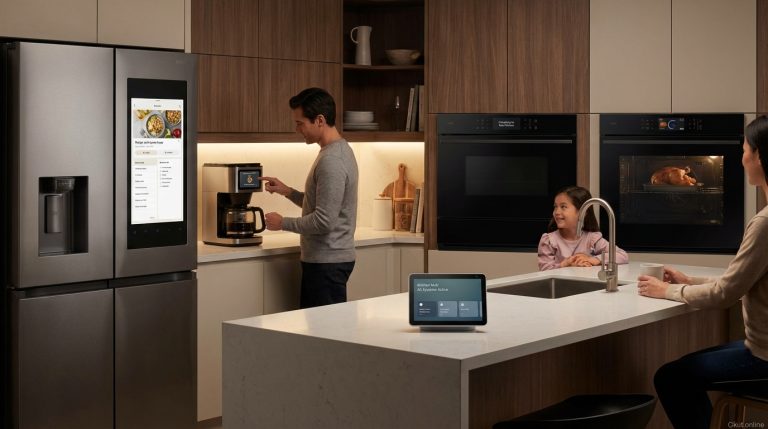
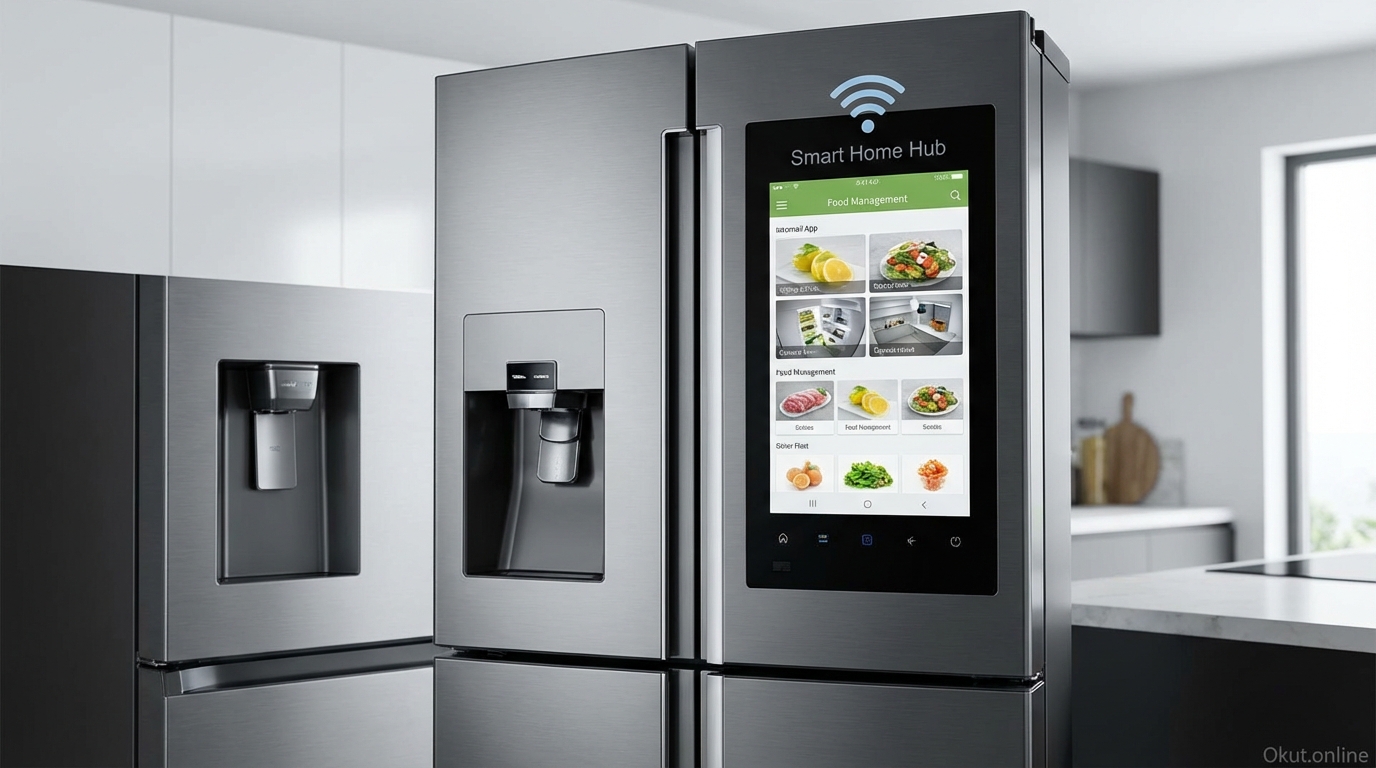
Large touchscreens (typically 21-32 inches) serve as kitchen information centers.
Calendar and notes display keeps family schedules visible at the kitchen hub location.
Recipe display shows cooking instructions at eye level while you cook—hands-free swiping available via voice.
Streaming apps (Samsung TV Plus, YouTube, Spotify) provide entertainment while cooking or eating.
Smart home hub control for compatible devices—adjust lights, view security cameras, control thermostat from the kitchen.
B. Interior Cameras
Cameras inside the refrigerator capture contents for remote viewing.
View What’s Inside from your phone while grocery shopping—check whether you need milk, eggs, or other staples without relying on memory.
Photo capture occurs when doors close, providing updated inventory images in companion apps.
Food recognition AI on premium models identifies items and tracks expiration dates, notifying you of food approaching spoilage.
C. Food Management
Software features help manage food inventory and reduce waste.
Expiration tracking (user-entered or AI-recognized) alerts you when food is expiring soon.
Meal planning integration suggests recipes based on ingredients you have.
Shopping list creation from the screen adds items to linked shopping apps.
D. Voice Assistant Integration
Built-in voice assistants enable hands-free control while cooking.
Samsung Bixby, Amazon Alexa, and Google Assistant options vary by model.
Convert units, set timers, answer questions, and control smart home devices by voice.
II. Top Smart Refrigerators (2026)
A. Samsung Family Hub French Door – $3,499-4,299
Samsung’s flagship smart refrigerator line includes the most sophisticated smart features.
21.5-inch touchscreen dominates the door, providing substantial display for all smart features.
Three interior cameras capture detailed refrigerator contents from multiple angles.
AI Vision Inside uses camera data with AI to recognize food items and track inventory automatically.
SmartThings integration makes the refrigerator a SmartThings hub for controlling compatible devices.
Entertainment: Samsung TV Plus, Spotify, and other apps stream directly on the refrigerator display.
Bixby and Alexa voice assistants built-in for hands-free interaction.
Beverage Center on some models includes water dispenser and AutoFill pitcher.
B. LG InstaView ThinQ – $2,999-3,999
LG combines smart features with the signature InstaView knock-to-illuminate door.
InstaView panel illuminates when you knock twice, showing contents without opening the door.
ThinQ app integration enables remote monitoring, diagnostics, and smart home integration.
Internal cameras allow viewing contents from smartphone while shopping.
Craft Ice maker on premium models creates slow-melting spherical ice for beverages.
Smart Diagnosis troubleshoots issues through app or phone sensor.
Alexa and Google Assistant compatible through ThinQ integration.
C. Samsung Bespoke Family Hub – $3,799-4,599
Samsung’s Bespoke line adds customizable color panels to Family Hub features.
Customizable panels let you change refrigerator colors without replacing the unit.
All Family Hub features including 21.5-inch screen, cameras, and AI features.
Beverage Center with AutoFill automatically fills pitcher when placed in carafe.
Premium aesthetic designed for integration with customizable kitchen design.
D. GE Profile Smart Refrigerator – $2,599-3,299
GE’s entry provides smart connectivity without full smart display investment.
WiFi connectivity enables app-based remote monitoring and control.
Hands-Free AutoFill dispenses measured amounts of water automatically.
Temperature management via app for remote adjustment.
No touchscreen display—smart features are app-based rather than refrigerator-based.
Alexa and Google compatibility for voice control through external speakers.
III. Is a Smart Refrigerator Worth It?
The significant price premium for smart features deserves careful consideration.
A. Premium Cost Analysis
Smart refrigerators cost $500-1,500 more than comparable non-smart models.
A basic reliable French door refrigerator costs $1,500-2,500; smart equivalents start at $2,500-3,500.
The premium buys technology that may date faster than the refrigerator mechanism itself.
B. Features You’ll Actually Use
Evaluate which features match your actual behavior:
Interior cameras: Useful if you regularly forget what you have while shopping. Less useful if you plan meals carefully or shop lists manually.
Touchscreen: Valuable if you cook frequently and would benefit from eye-level recipe display. Less valuable if you use a phone or tablet for recipes already.
Smart home control: Convenient if you lack other smart displays or speakers in the kitchen. Redundant if Echo Show or Nest Hub already provides this functionality.
Entertainment: Appealing for kitchens without other entertainment options; questionable if you already have smart speakers or nearby TVs.
C. Longevity Considerations
Refrigerators last 15-20 years; smart technology evolves faster.
Software updates maintain functionality for some years, but eventually apps and integrations may lose support.
Screen technology may feel dated well before refrigeration mechanism fails.
Consider whether you’d be comfortable with “just refrigeration” if smart features lose support.
IV. Alternative Approaches
Similar functionality can be achieved without smart refrigerator purchase.
A. Smart Display + Standard Refrigerator
An Echo Show or Nest Hub on the counter provides:
- Recipe display
- Timers and kitchen assistance
- Smart home control
- Entertainment
- Calendar and notes
Cost: $100-250 vs. $500-1,500 premium for smart fridge.
B. Refrigerator Camera Add-On
Aftermarket cameras (Fridge Eye, SmartDevice) add interior viewing to existing refrigerators.
Cost: $50-150 provides remote viewing capability.
Less integrated than built-in cameras but achieves the primary use case.
C. Manual Inventory Apps
Apps like Paprika, Fridgely, or NoWaste track food inventory through manual entry.
Requires discipline to update but provides expiration tracking and meal planning.
V. Comparison Table
| Feature | Samsung Family Hub | LG InstaView ThinQ | GE Profile Smart |
|---|---|---|---|
| Price Range | $3,499-4,599 | $2,999-3,999 | $2,599-3,299 |
| Display | 21.5″ touchscreen | InstaView panel (no full screen) | None (app-based) |
| Interior Cameras | 3 cameras | Yes | No |
| Voice Assistants | Bixby, Alexa | Alexa, Google (via app) | Alexa, Google (via app) |
| Smart Home Hub | SmartThings hub built-in | ThinQ integration | SmartHQ app |
| Best For | Maximum smart features | InstaView + smart features | Smart connectivity, lower cost |
VI. Common Mistakes to Avoid
- Buying for Features You Won’t Use: Evaluate honestly whether you’ll actually use interior cameras and touchscreen features regularly.
- Ignoring Repair Complexity: Smart refrigerators have more components that can fail. Consider reliability records and repair availability.
- Overlooking Alternatives: A $150 smart display plus a standard refrigerator provides most smart kitchen functionality at lower total cost.
- Expecting Perfect AI: Food recognition AI is improving but not perfect. Don’t expect flawless automatic inventory management.
VII. Practical Tips
- Test in Store: Spend time with smart refrigerator interfaces before buying. Responsiveness and usability vary.
- Check WiFi Strength: Smart features require reliable WiFi in kitchen. Test signal strength where refrigerator will be placed.
- Consider Replacement Cycle: If your current refrigerator is failing anyway, smart upgrade makes more sense than replacing a working appliance.
- Read App Reviews: Companion app quality significantly affects smart refrigerator experience. Check app store ratings.
VIII. Conclusion
Smart refrigerators provide genuine convenience through interior cameras, touchscreen displays, and voice assistant integration—but at significant premium over non-smart alternatives. Samsung Family Hub leads in smart features with full touchscreen and AI food recognition; LG InstaView ThinQ combines smart connectivity with signature knock-to-see functionality; GE Profile offers smart connectivity without touchscreen investment. For many households, a standard refrigerator plus a smart display achieves similar functionality at lower cost. Smart refrigerators make most sense when replacing failing appliances anyway and when kitchen lacks other smart display options.
Would you pay the premium for a smart refrigerator, or do you prefer smart display alternatives? Share your kitchen tech preferences in the comments!
About the Author